A model that fits
Document length, model size, and concurrent work shape your hardware needs.
- Local Ollama
- Private network endpoints
- Local ComfyUI
Models & hardware
Connect Bridge to models on your computer or a server on your network.
Document length, model size, and concurrent work shape your hardware needs.
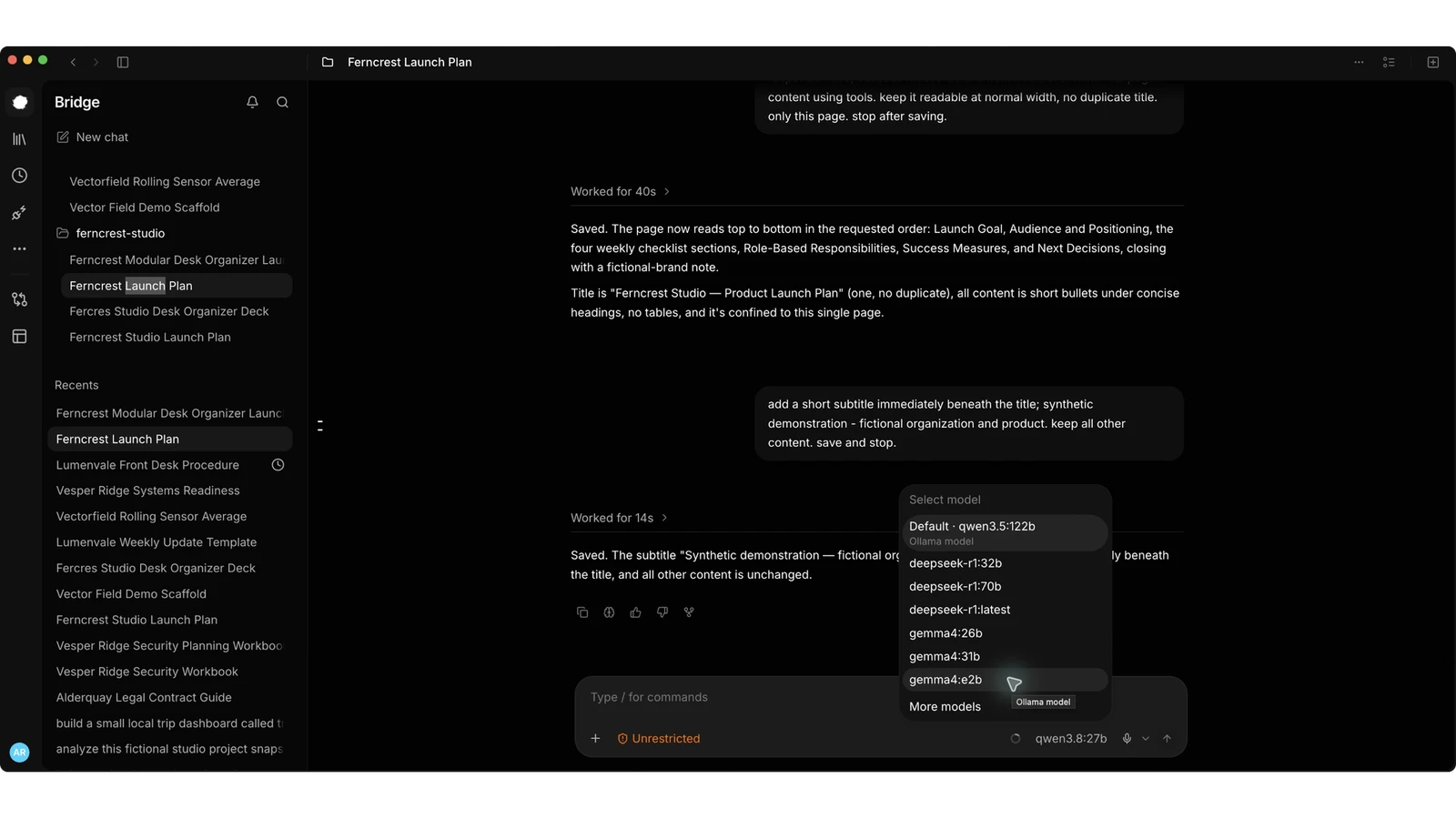
Run a model beside Bridge when your computer has suitable resources.
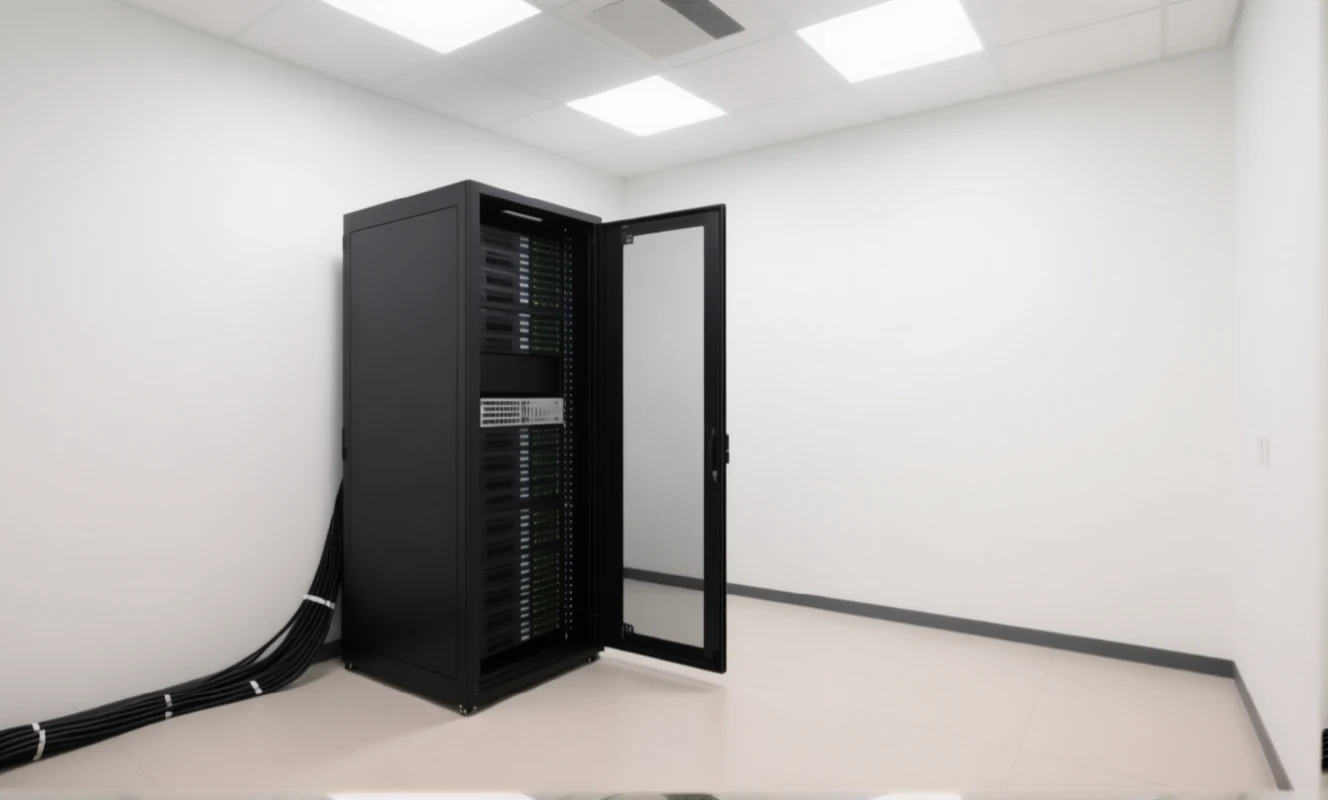
Use a shared inference server under your organization’s network policy.
Discuss your workflows with Alluqi before selecting a hardware configuration.