Desktop to phone
Pair your device before accessing desktop sessions, files, and responses.
- iOS and Android
- Approved device pairing
- Revoke paired devices
Bridge mobile
Continue an authorized desktop session from your iPhone or Android phone. Mobile is a paid upgrade.
Pair your device before accessing desktop sessions, files, and responses.
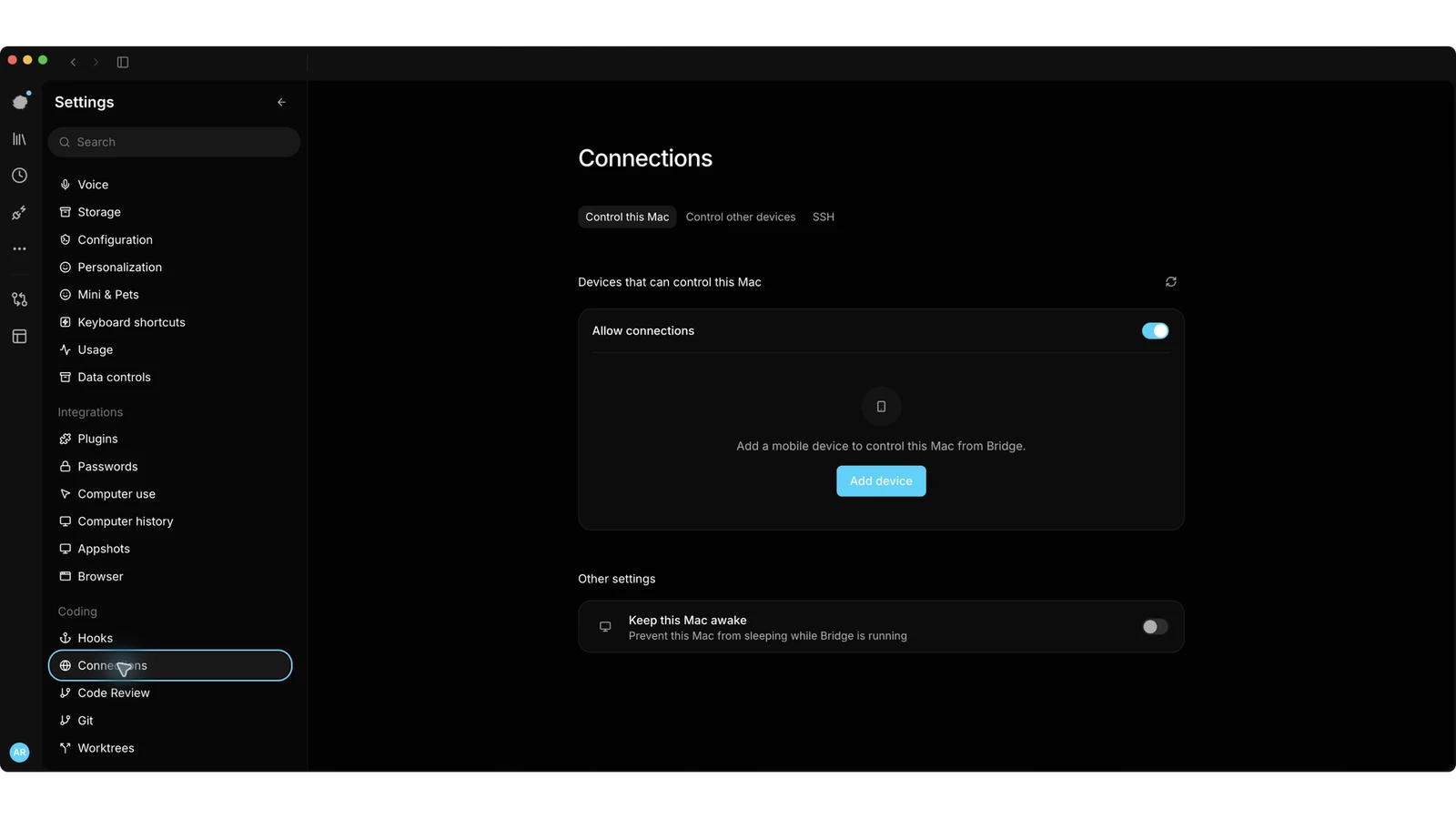
Your phone connects to the desktop; the model runs at the endpoint you selected.
Signing in alone does not grant access to a desktop session.
Review remote access and network policy before enabling phone access.