NewPages, Slides, and local images

Private AI for your clinic.

Bring your models, files, and ideas together on your own network.
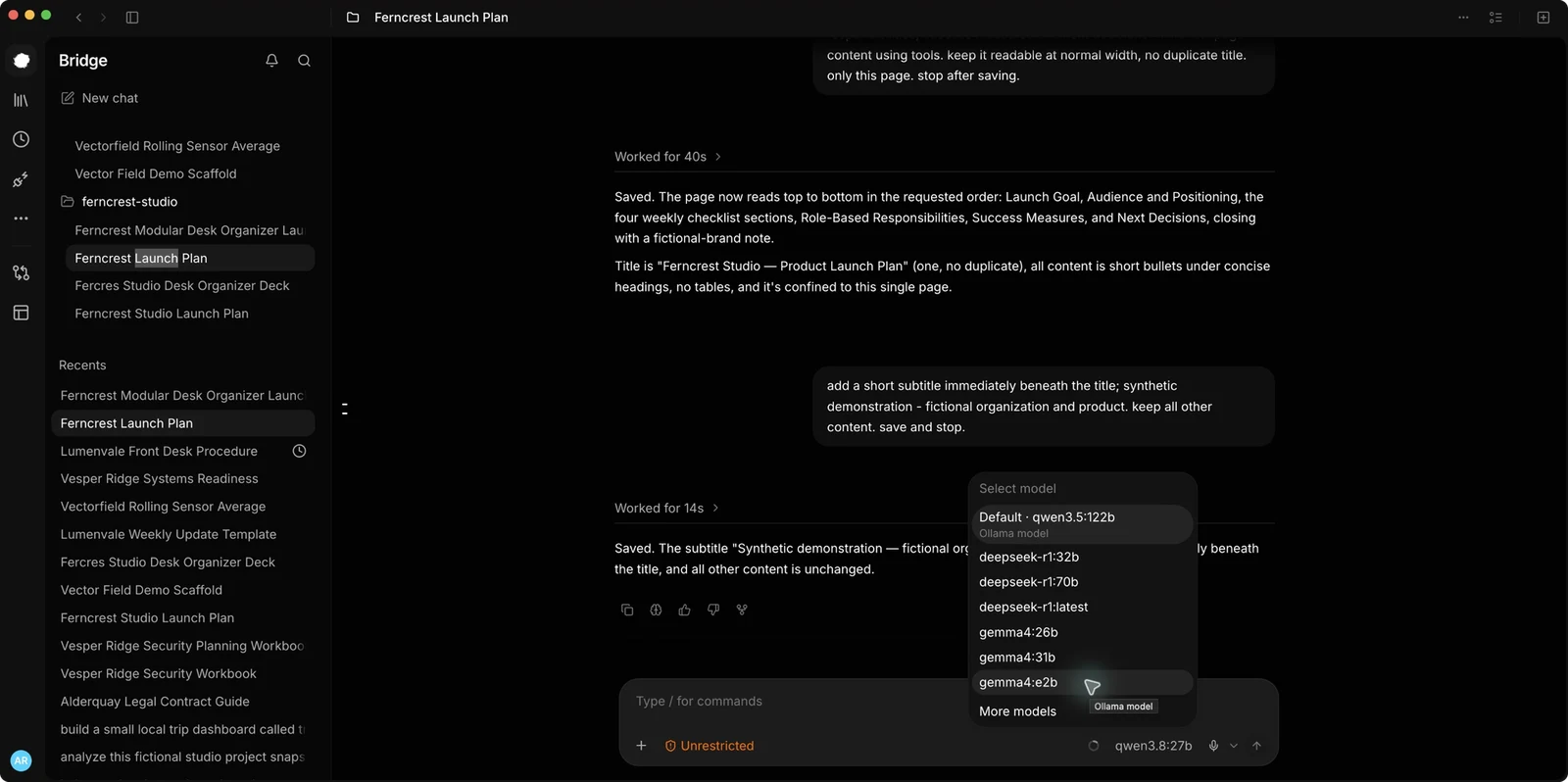
Chat in the real Bridge rc.31 appAnother captured Chat view

Chat

Explore
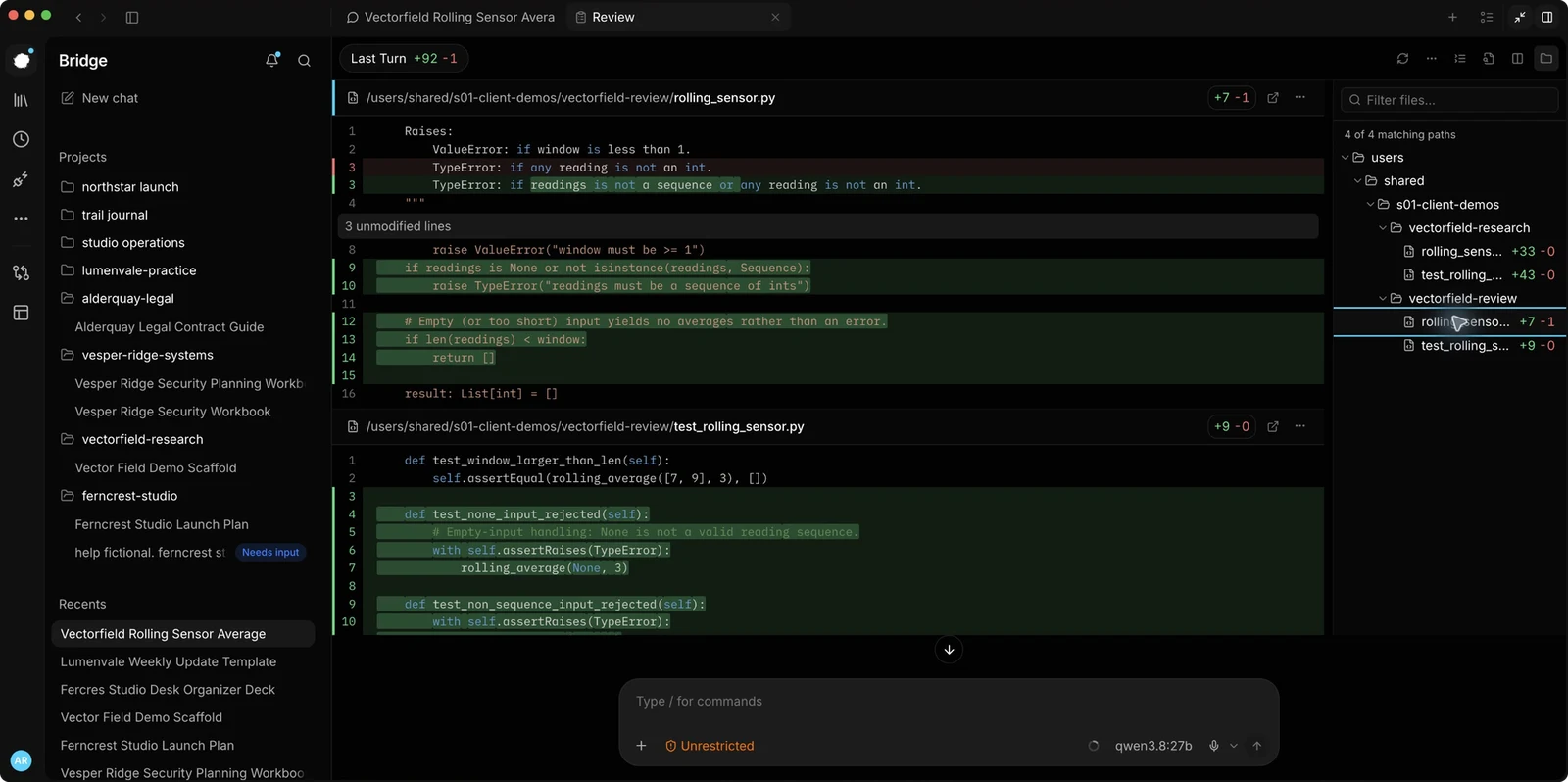
Code review in the real Bridge rc.31 appAnother captured Code review view

Code review

Explore
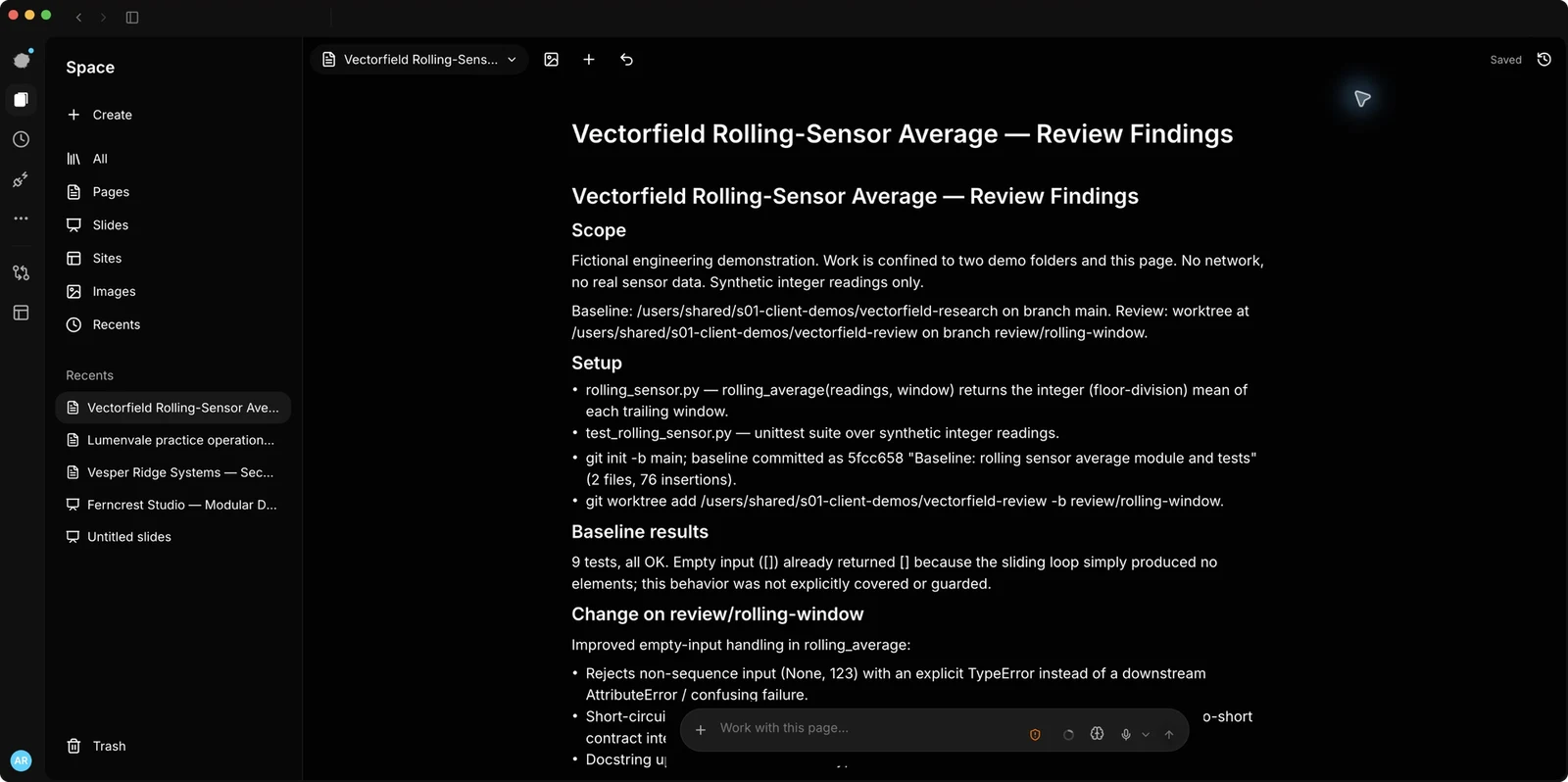
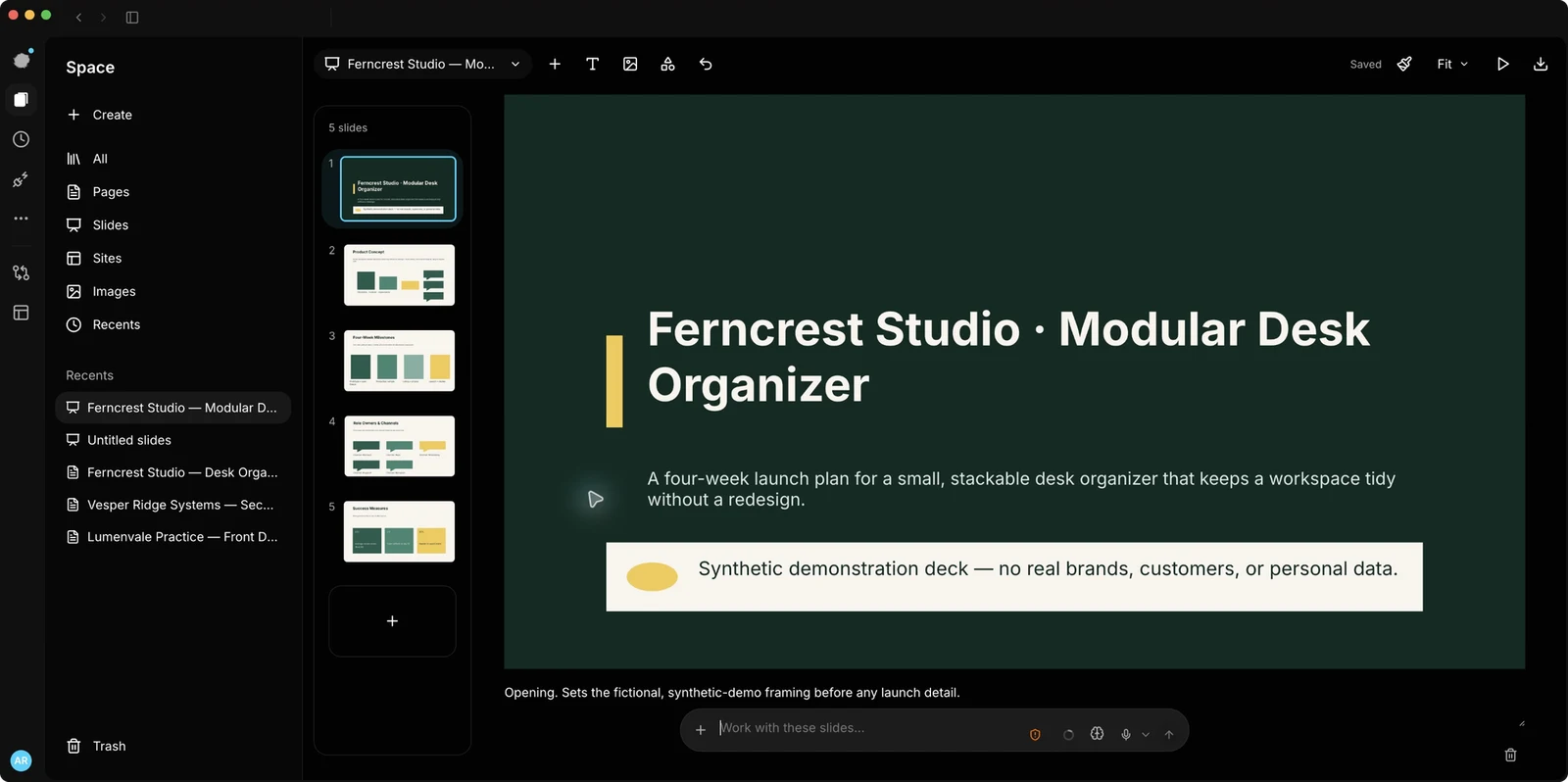
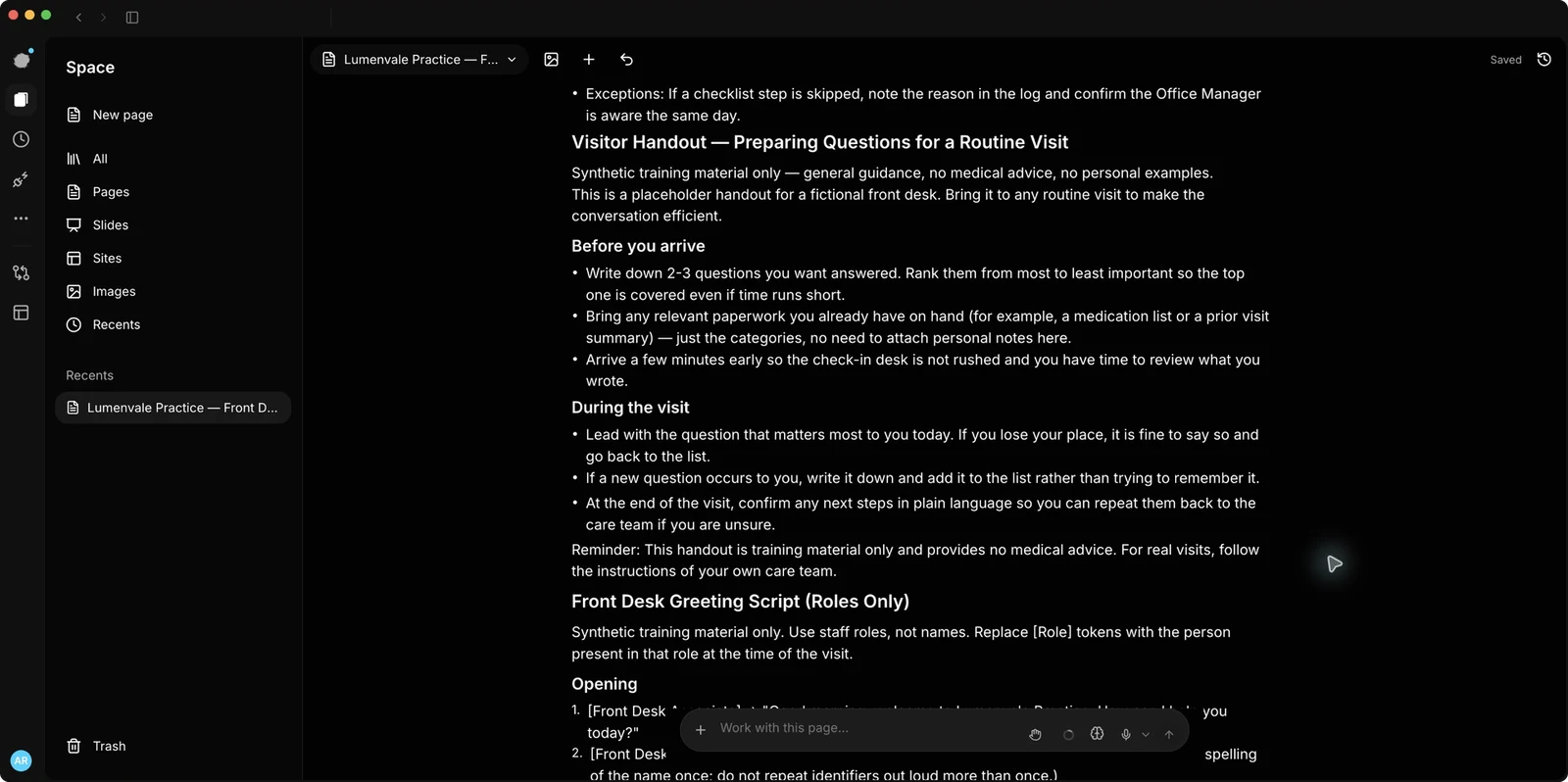
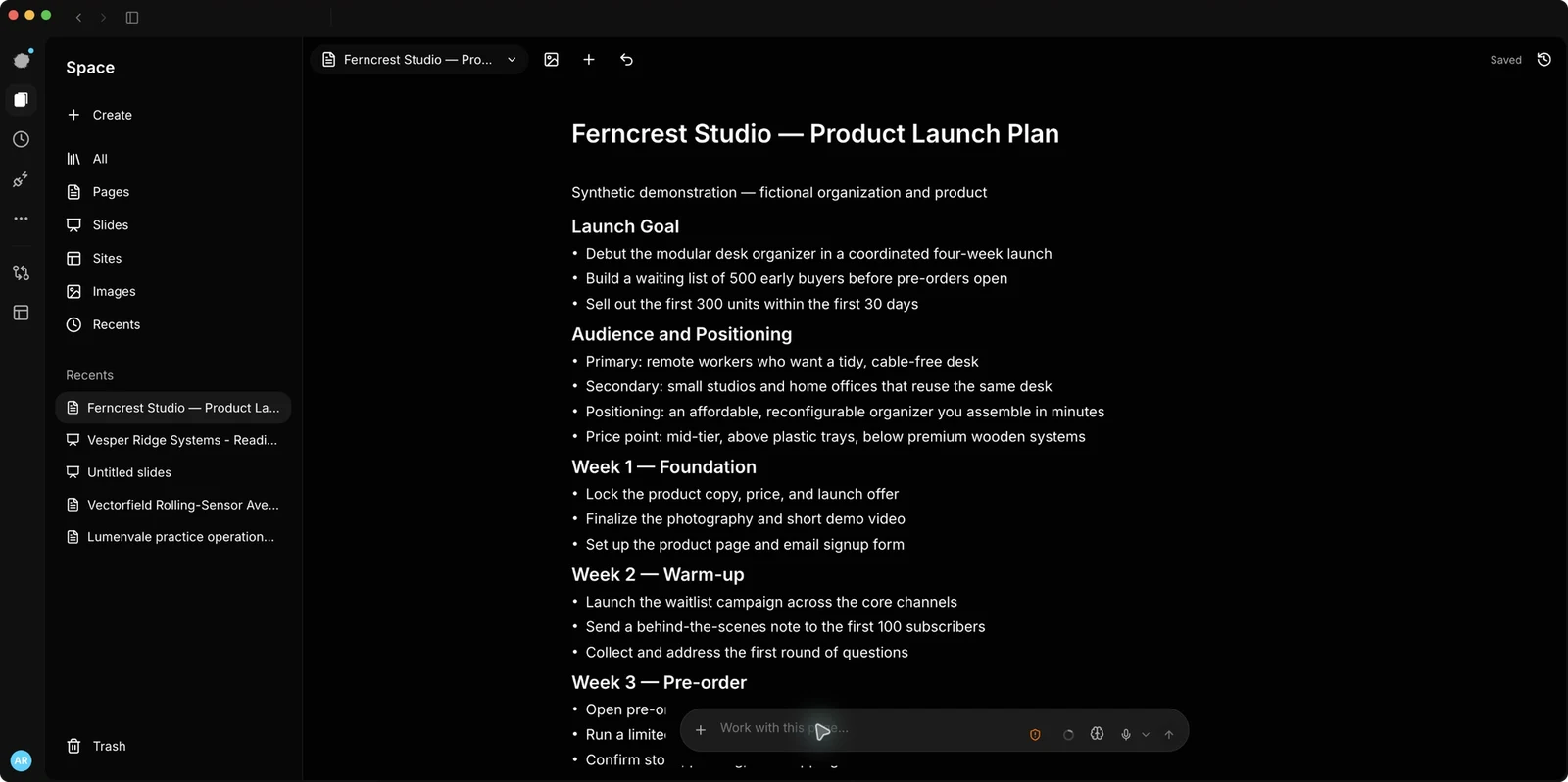
Pages & Slides in the real Bridge rc.31 appAnother captured Pages & Slides view

Pages & Slides

Explore
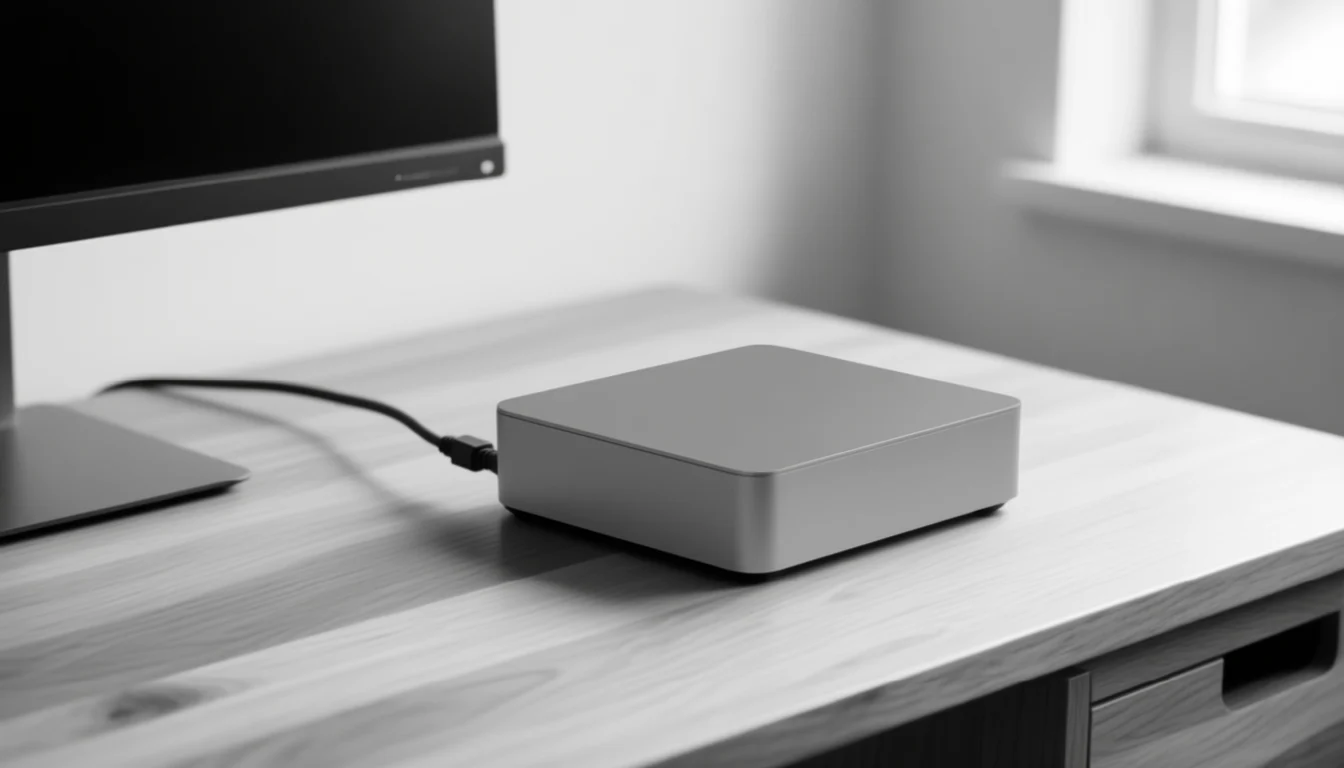
AI-generated bright private office with an uncluttered deskAI-generated compact ai workstation on a desk

Images

Explore
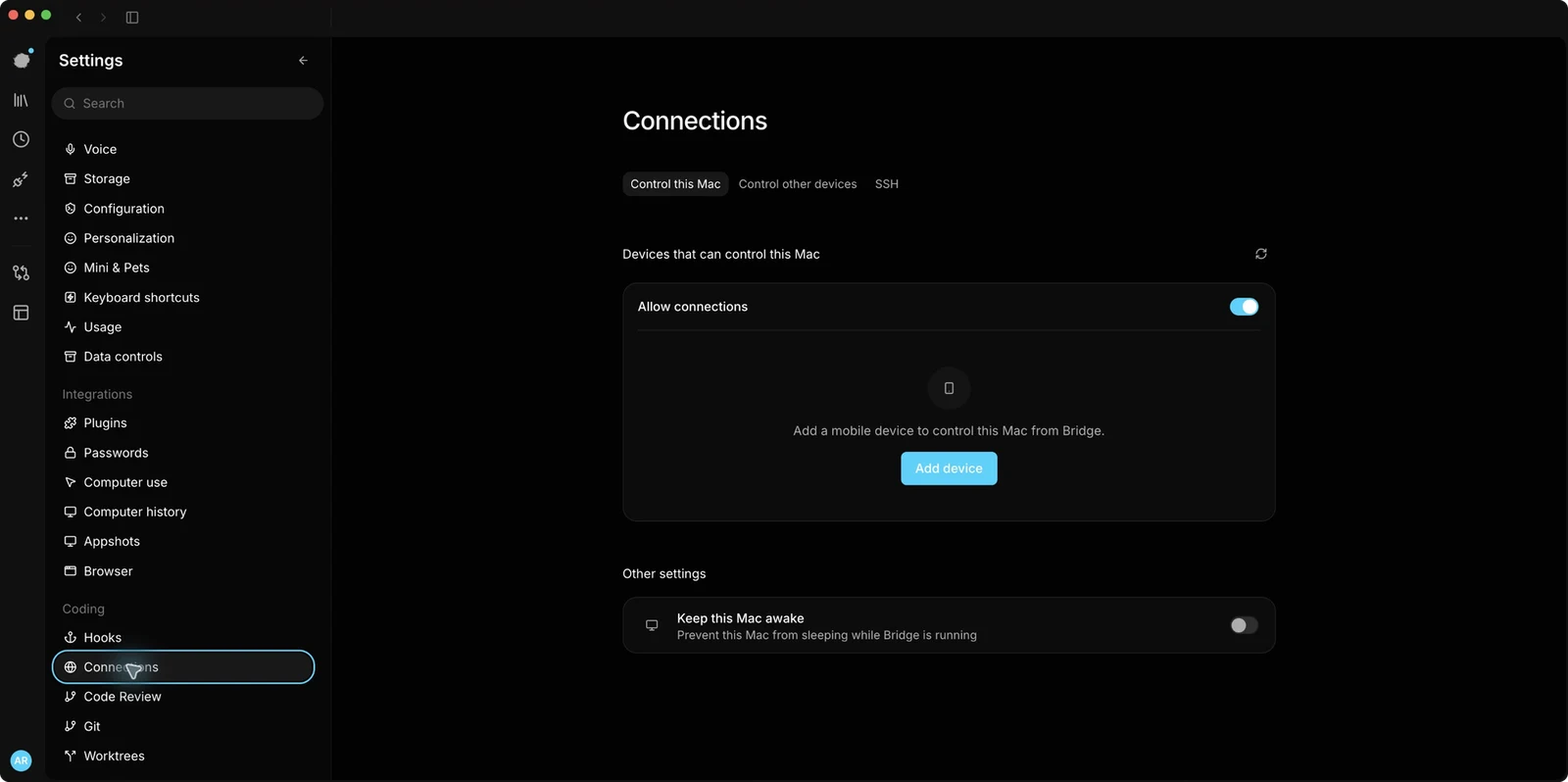
Bridge desktop mobile-pairing controls

Bridge mobile

Explore

For IT teams

Your network.
Your model.

Connect local models and give your team a workspace you control.

  • Your hardware and network
  • Ollama + ComfyUI
  • Mac, Windows, iOS, Android
Local model setupOllama

Install Ollama for macOS, then run:

ollama run qwen3.8
  1. Install Bridge.
  2. Connect your Ollama endpoint.
  3. Set permissions and approvals.
Open release page

Choose a model for your hardware.

Choose how to get started.

Explore what you can build with Bridge

Run Bridge free.

For individuals using their own hardware.

  • Invite-only access
  • Alluqi account required
  • Local models and image generation
Run Bridge free

Deploy for your organization.

Start with a workflow and a data boundary.

  • Hardware and model planning
  • Deployment and team onboarding
  • Support for your environment
Contact sales