Keep the model close.
Connect a local model on your computer or network. Choose which files and tools Bridge may use, and review its work.
Personal
Create images, talk through ideas, and work on private projects with models you choose.
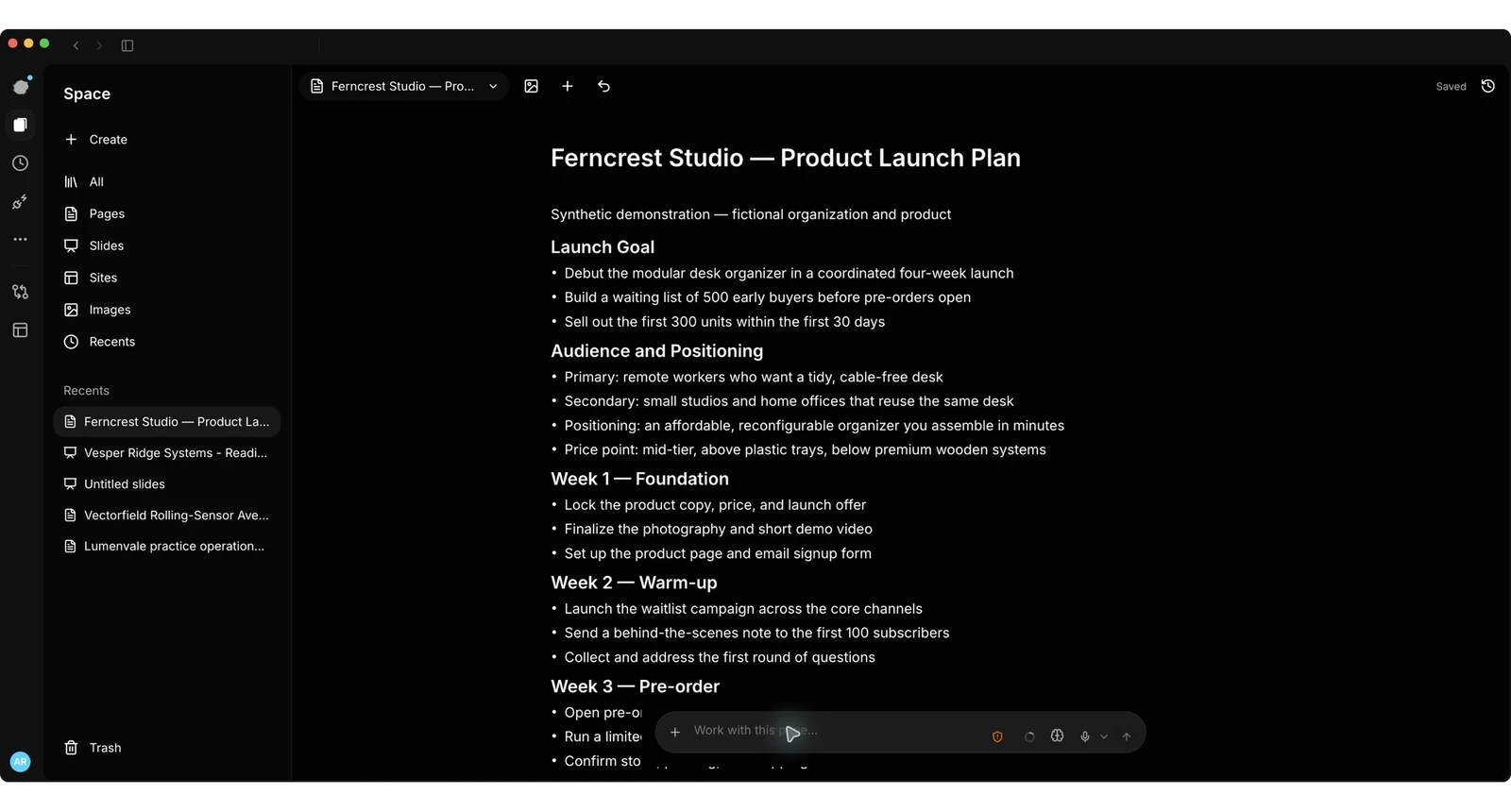
Connect a local model on your computer or network. Choose which files and tools Bridge may use, and review its work.
Create images with supported local image tools. Draft a story, plan a video, or shape a Page, slide deck, or site in your workspace.
Opt in to voice controls and use installed system voices. Your microphone permissions and configured voice setup still apply.
Local model requests go directly to the endpoint you configure. They do not pass through an Alluqi hosted model service or its content filters. Each model can have its own behavior, safeguards and license; use it lawfully and only with material you are authorized to process.
Alluqi does not charge per request to models running on your own local endpoints. Hardware, electricity, connectivity, external providers and separately agreed services can have their own costs.
Bridge Desktop is free for personal use on Mac and Windows. Access is invite-only and requires an Alluqi account. Connecting an iPhone or Android phone to your Bridge is a paid upgrade.