Images / Alluqi Bridge
Images in Bridge.
From a first idea to the final image.
Create, edit and restyle with models running on your own hardware.
Explore the gallery- Runs on your own hardware
- No usage fees
- Several candidates per prompt
- Up to 4K images
- Edits from your own photos


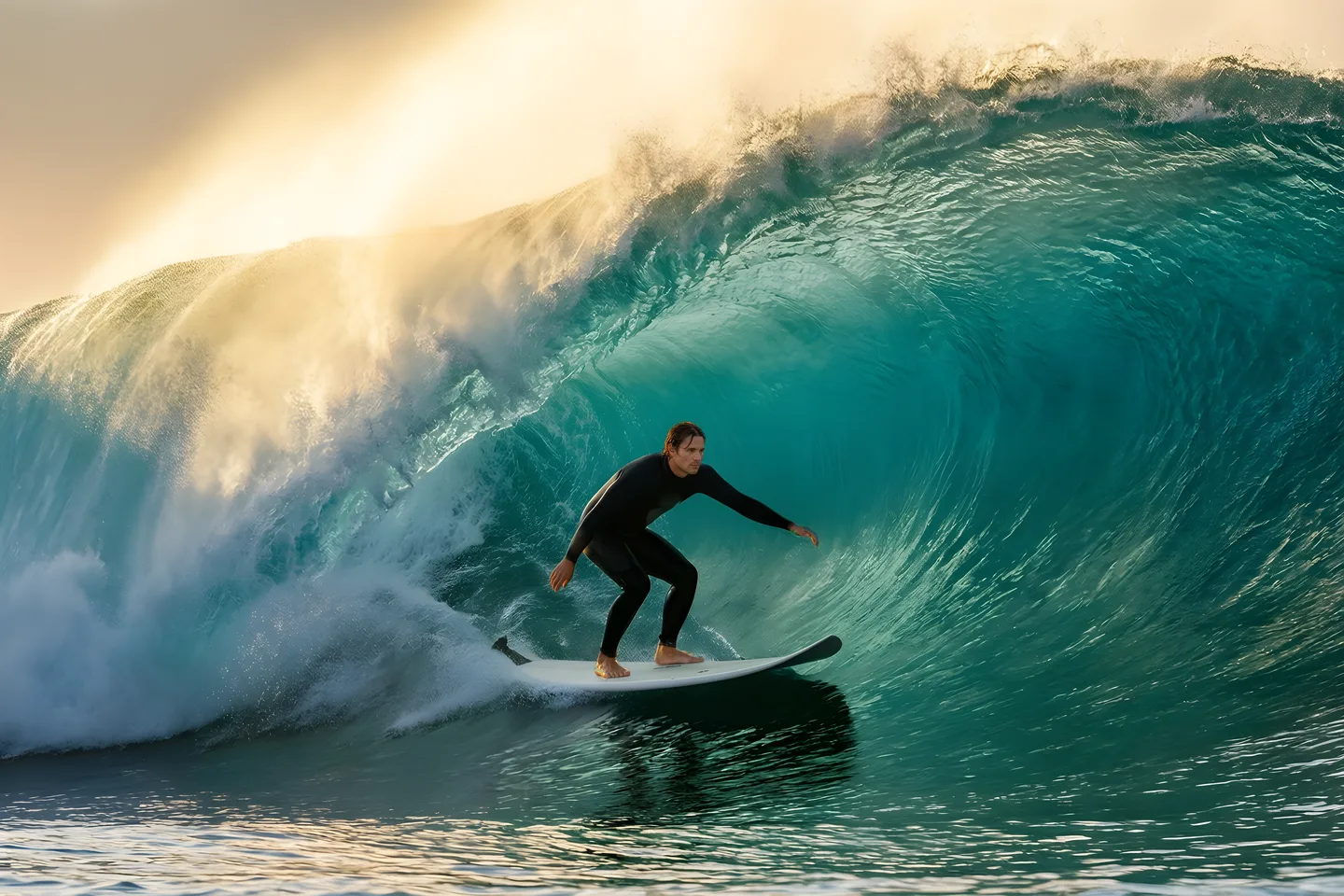
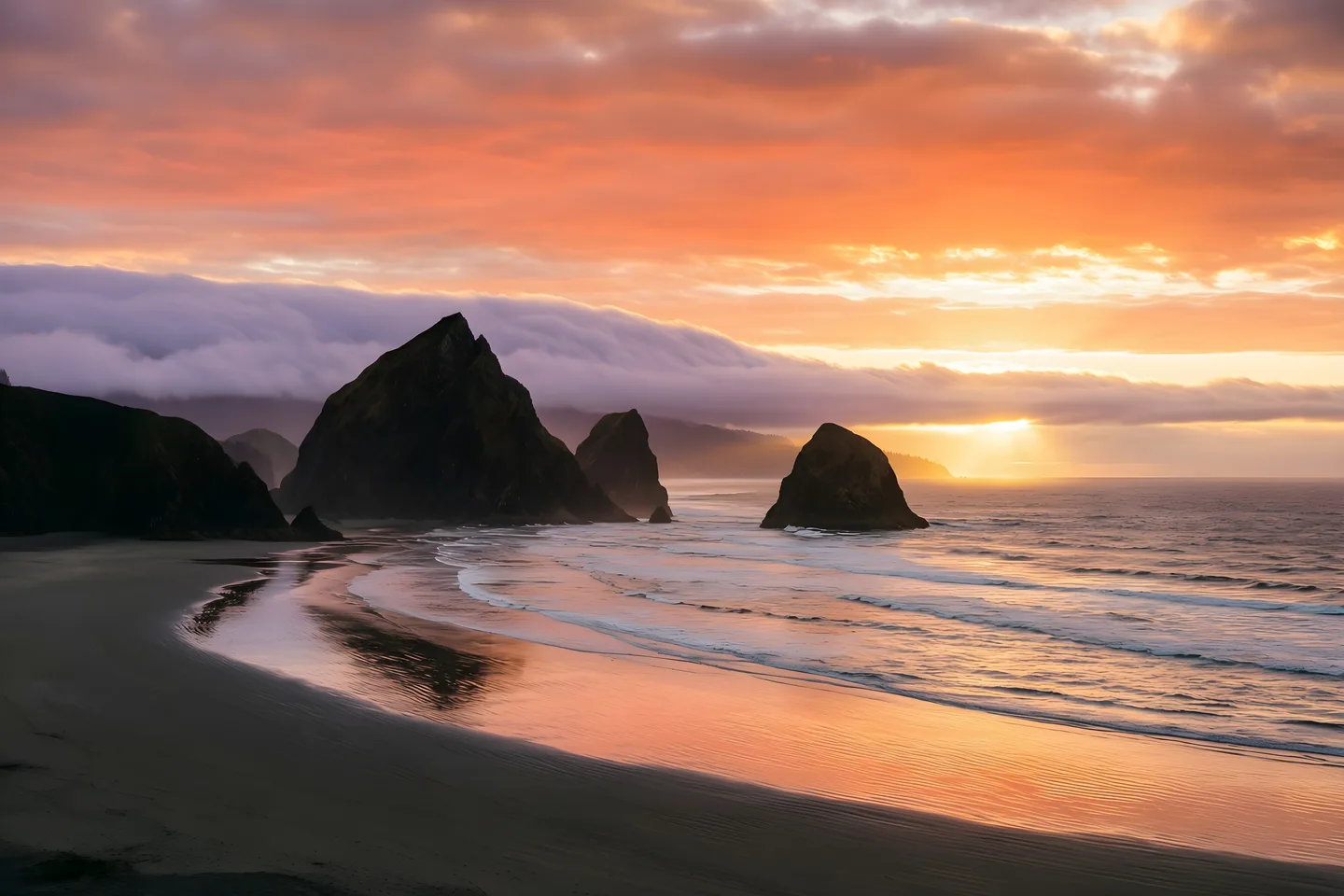
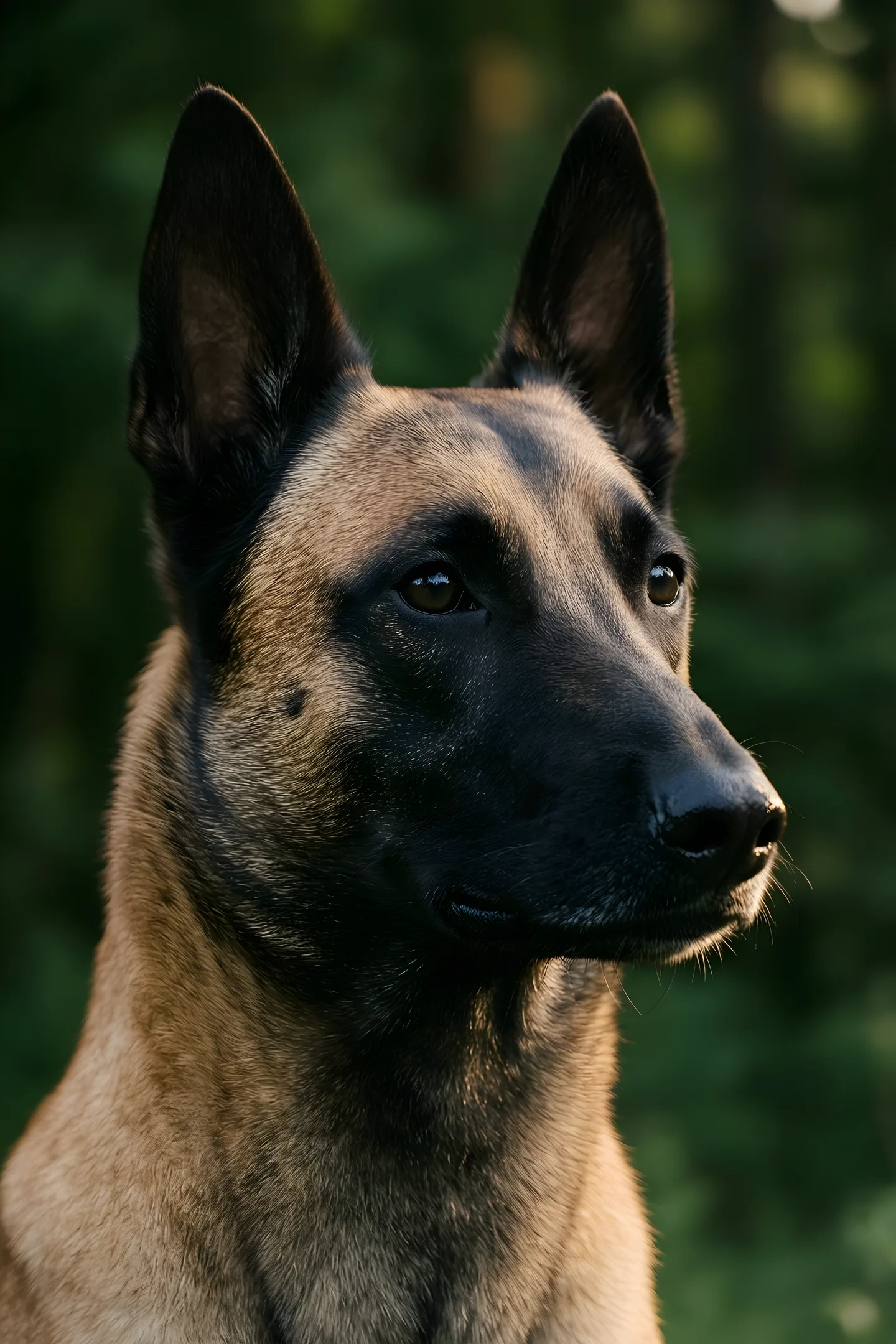
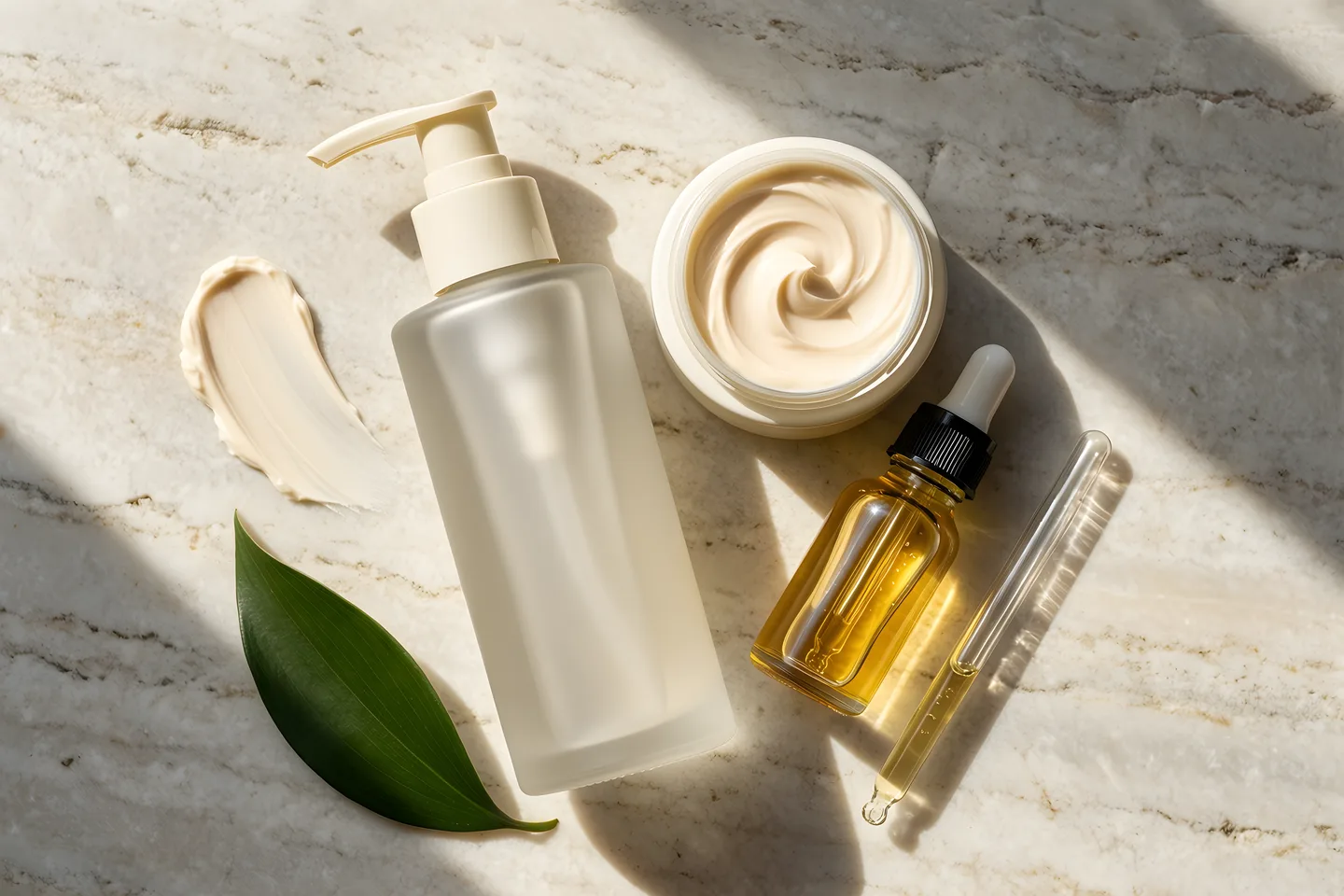
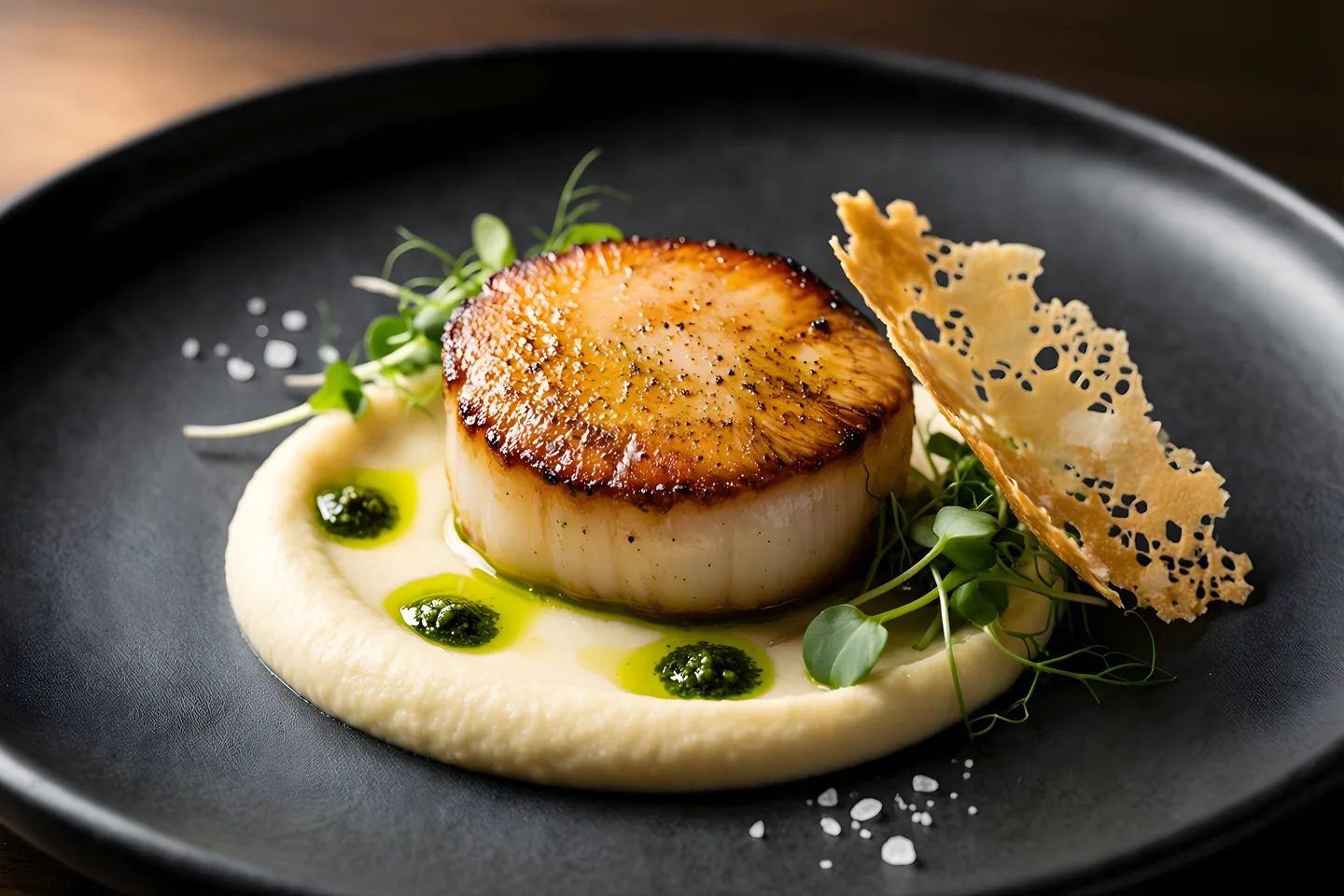
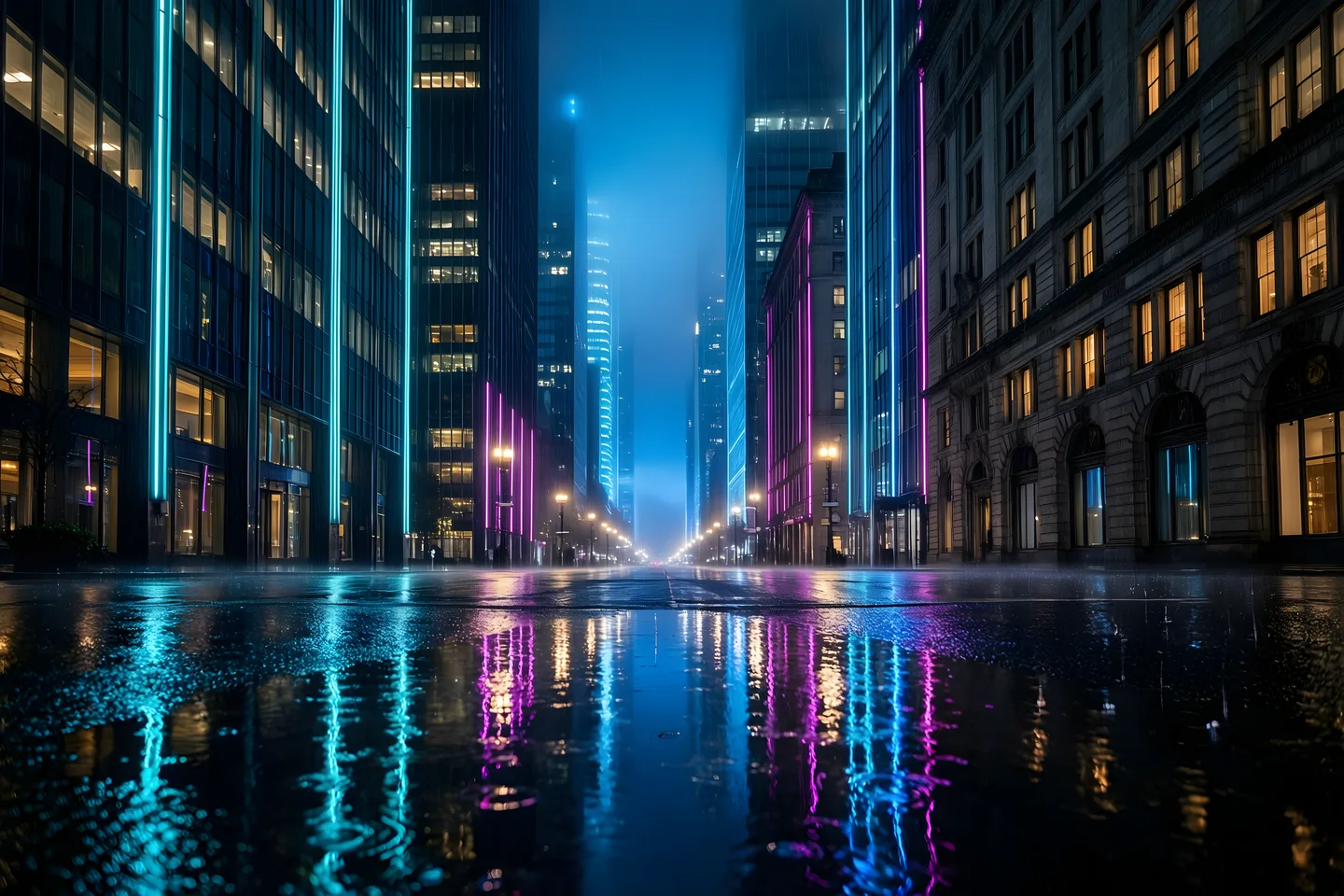
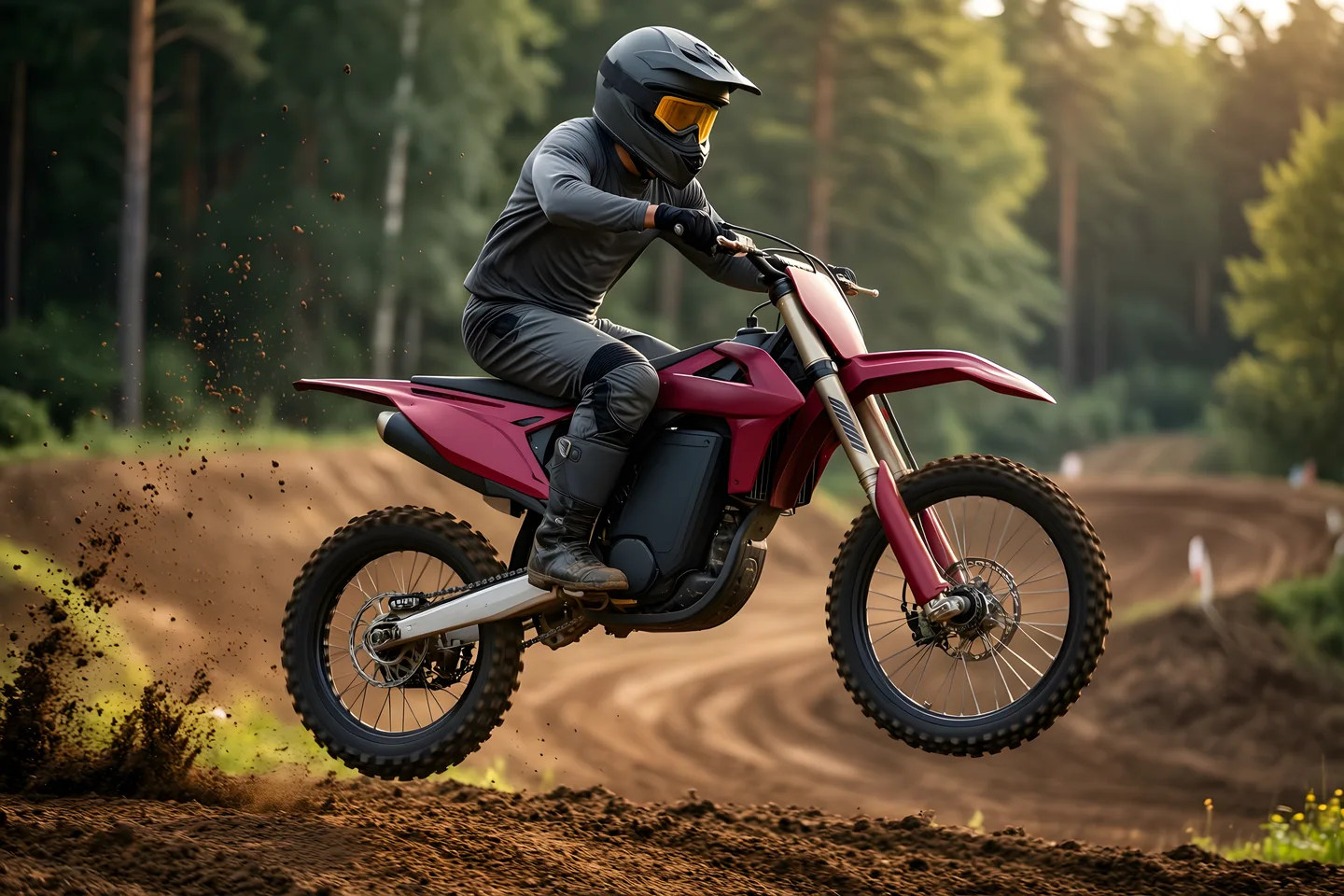



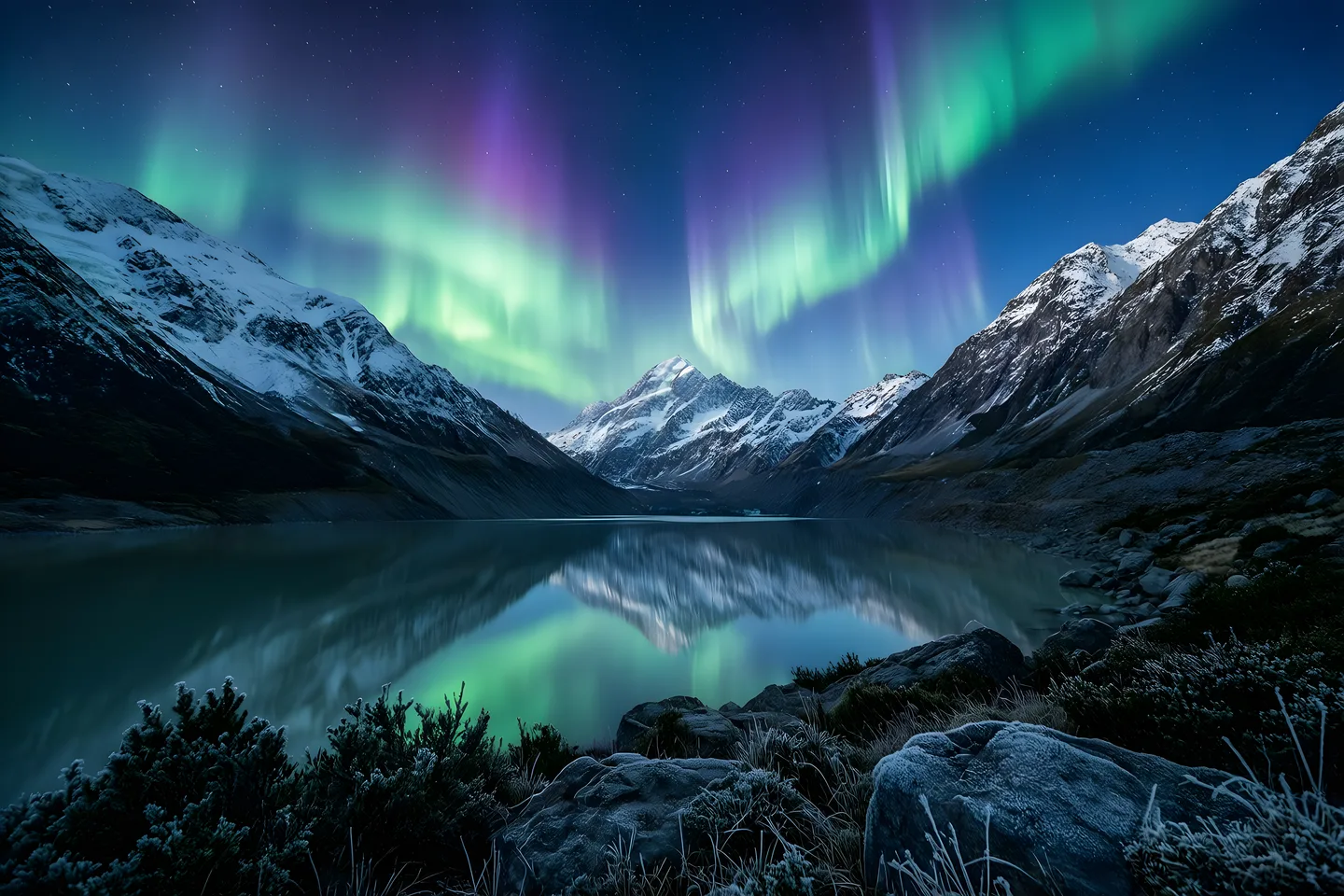
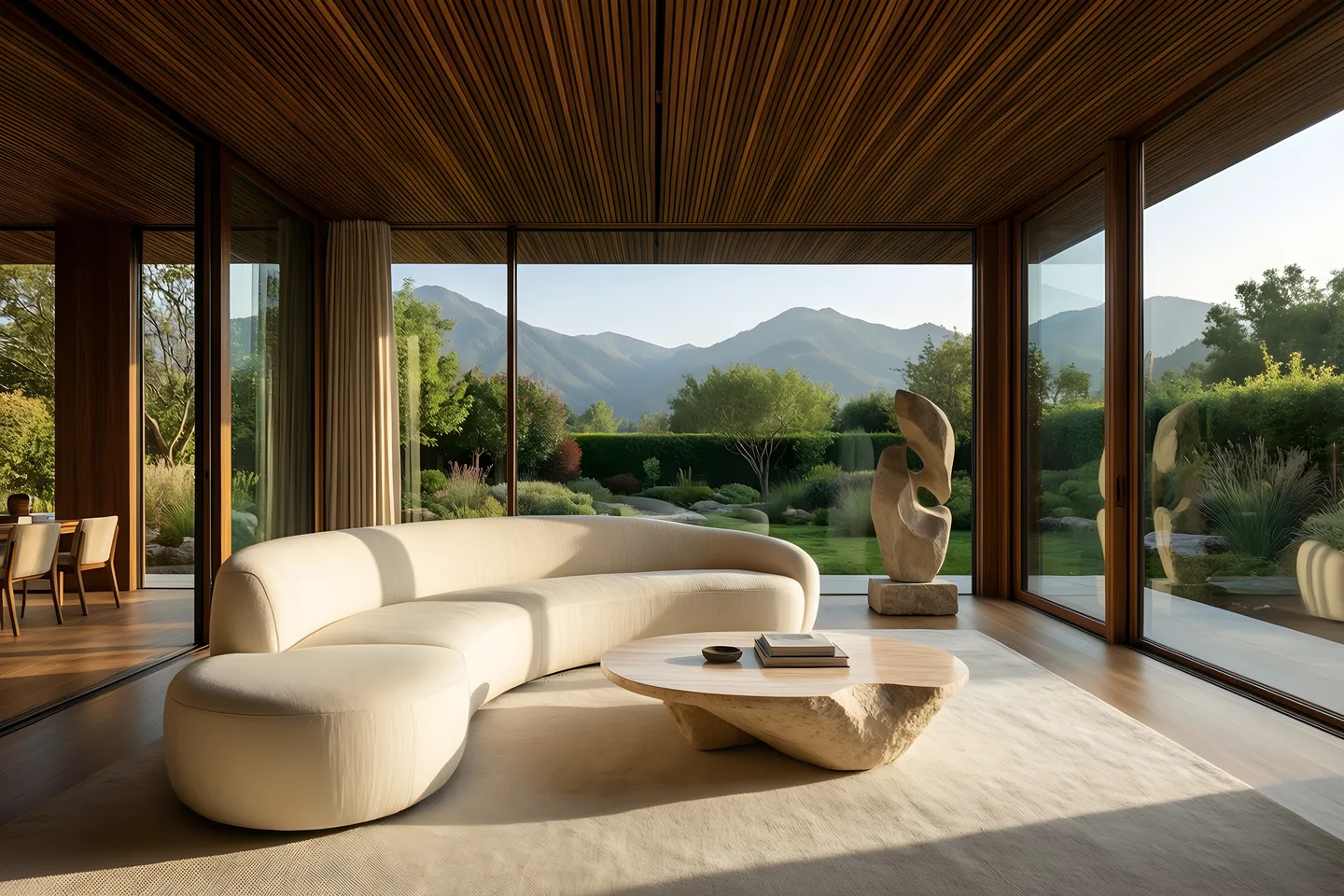
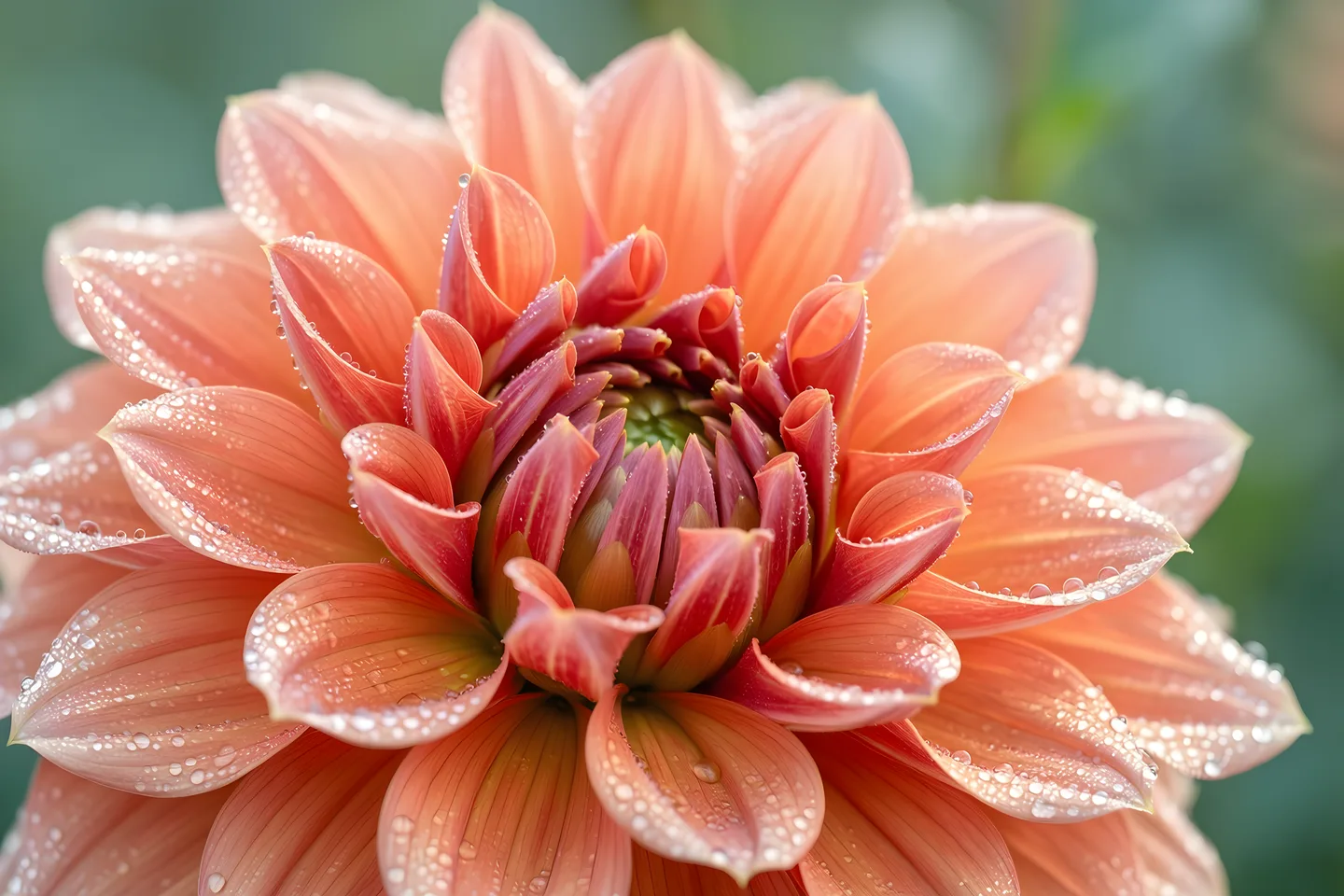
01 / Create with Bridge
Turn a prompt or a still image into a video. Create product demos, visual effects and creative scenes with Bridge.
- Start with text or an image
- Describe the scene and motion
- Review your generated video
02 / Create with Bridge
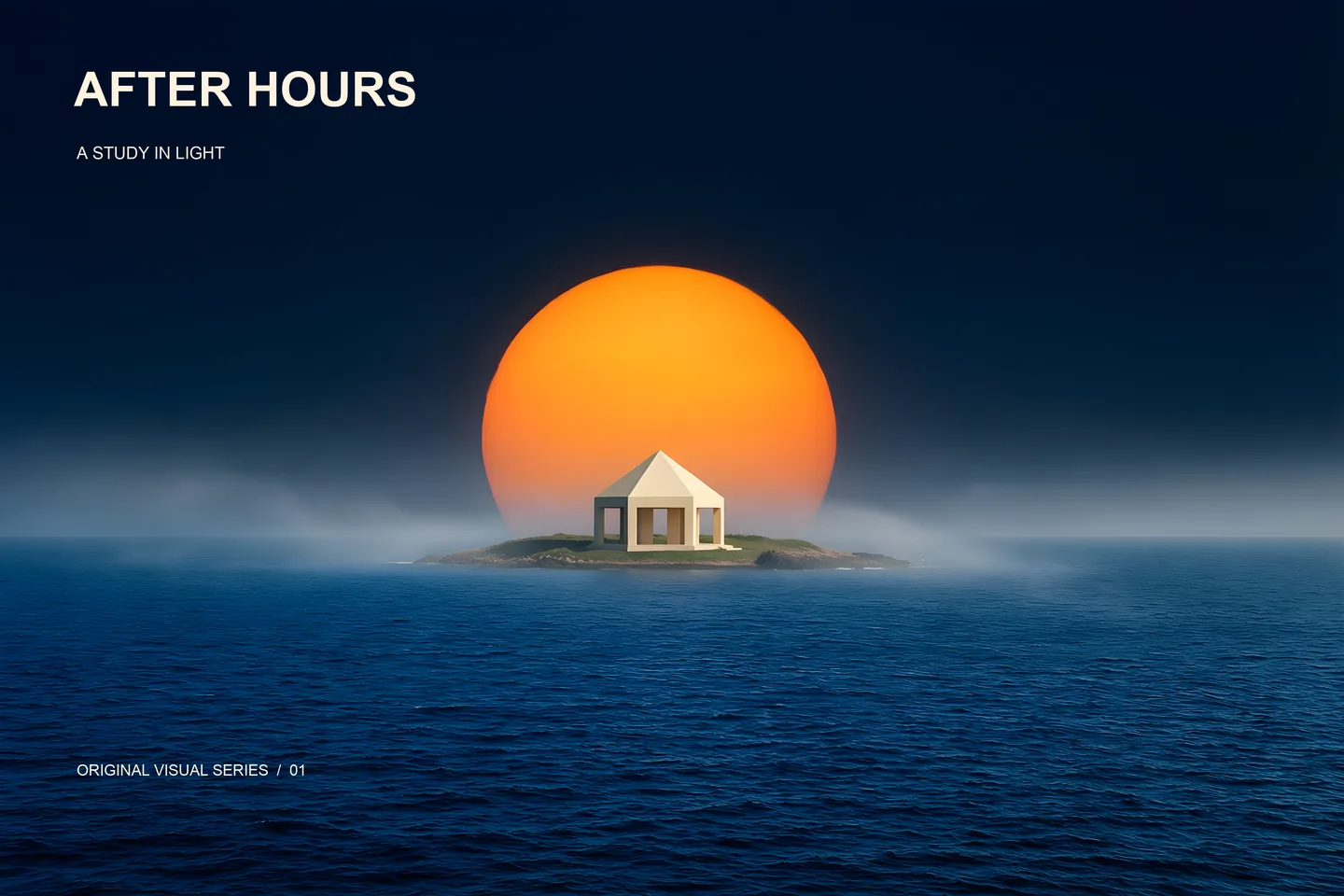
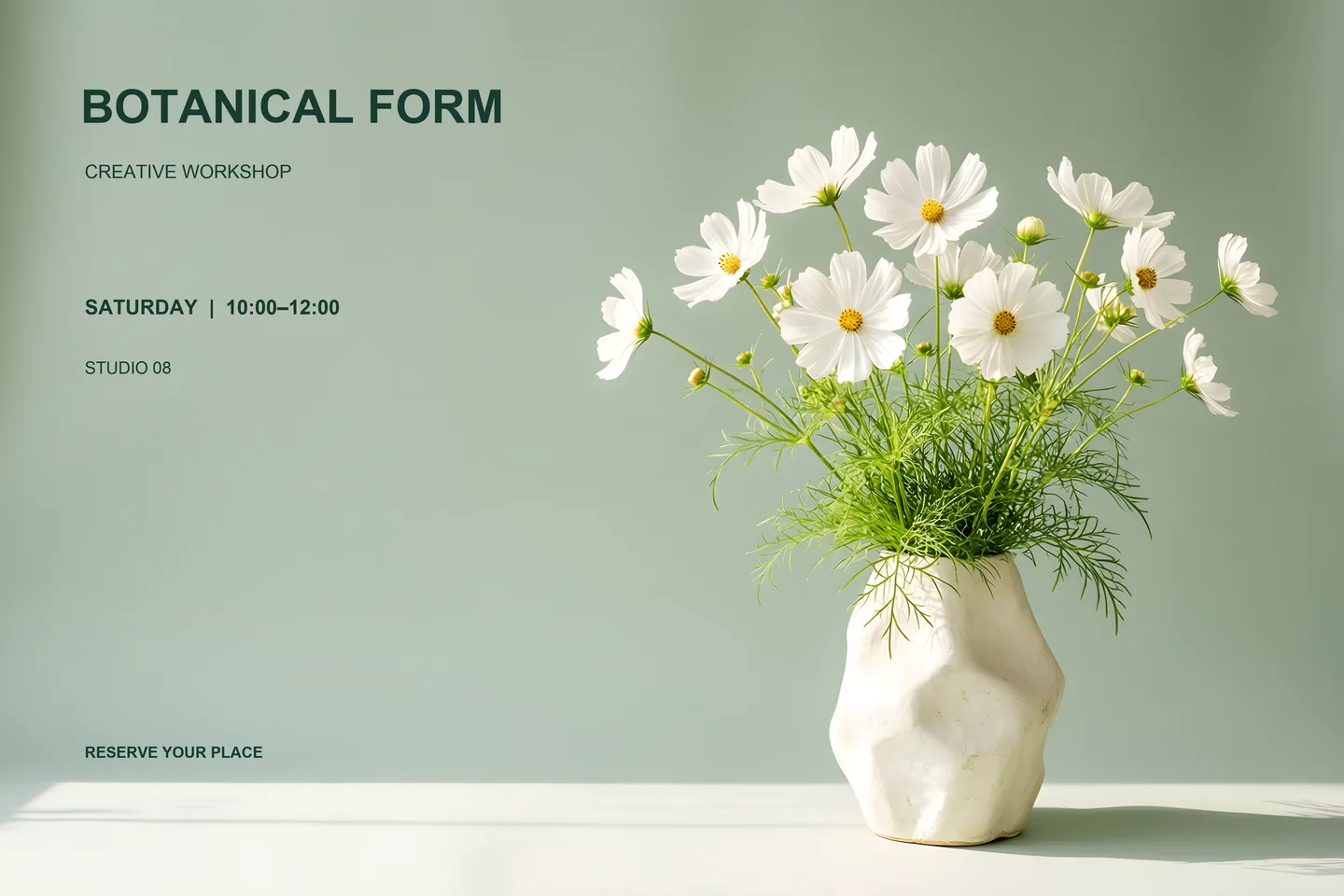
Make posters, ads and covers with the words you choose. Keep the text editable as you refine the design.
- Your exact headline
- Layouts for different formats
- Editable text, retained originals
03 / Create with Bridge
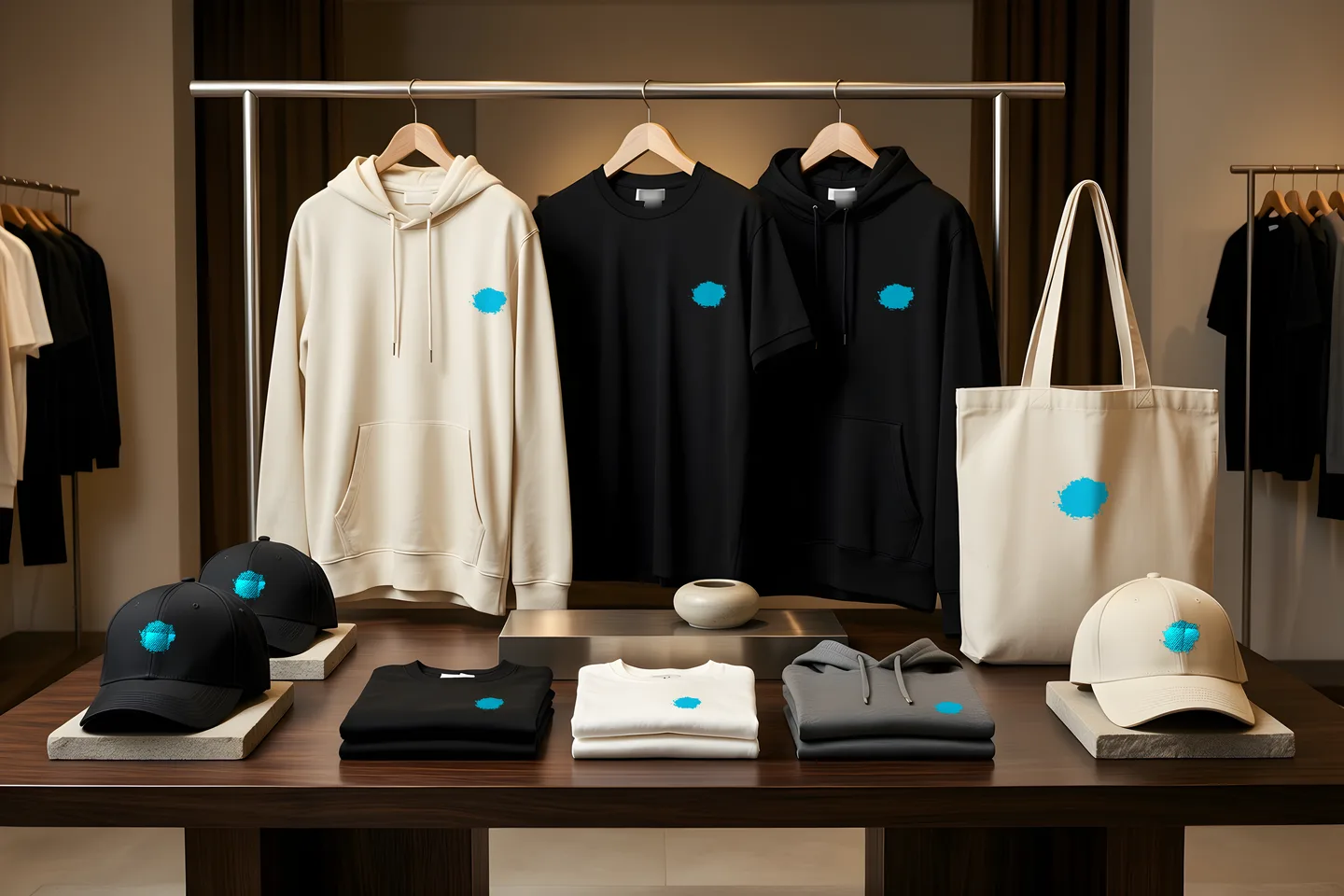
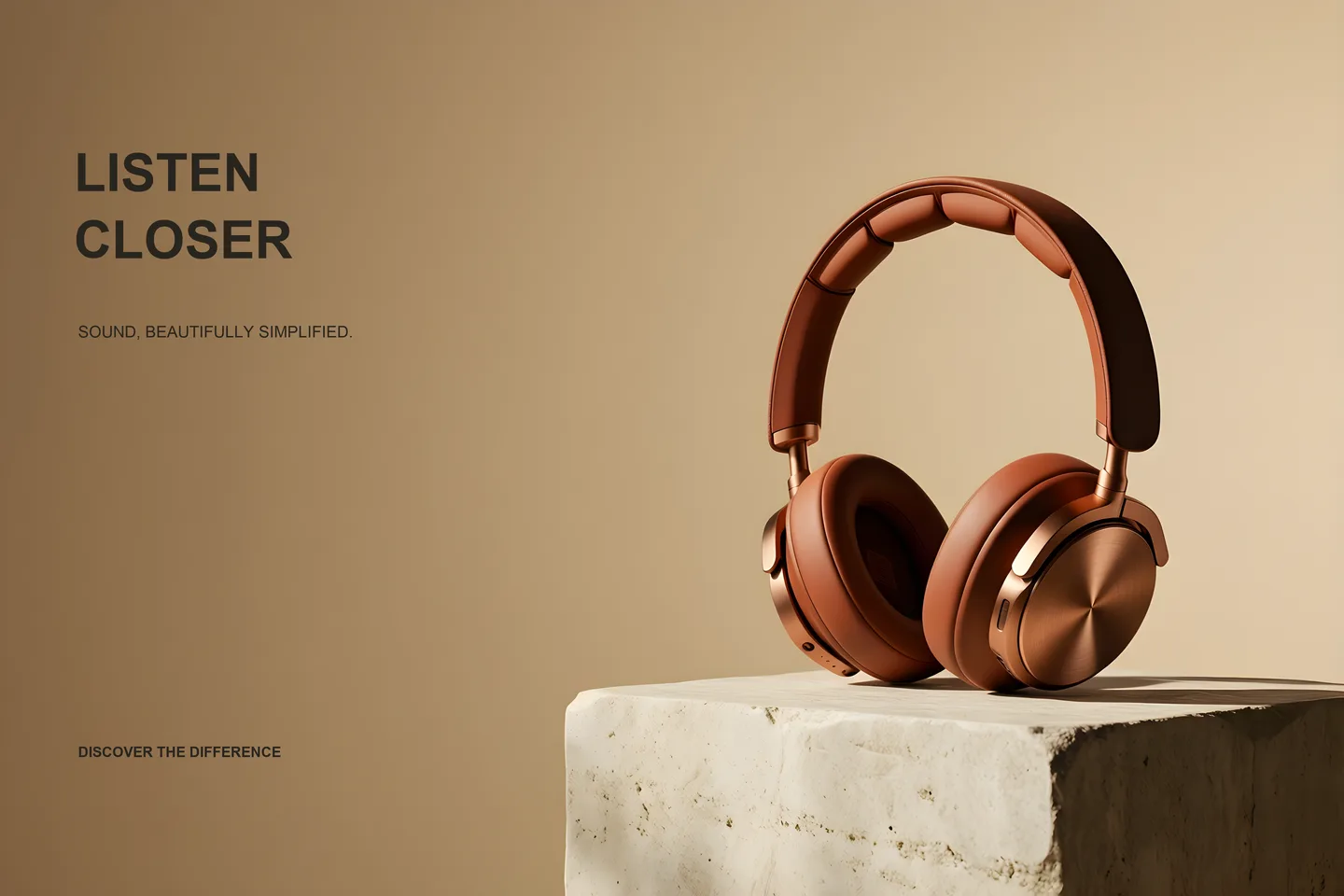
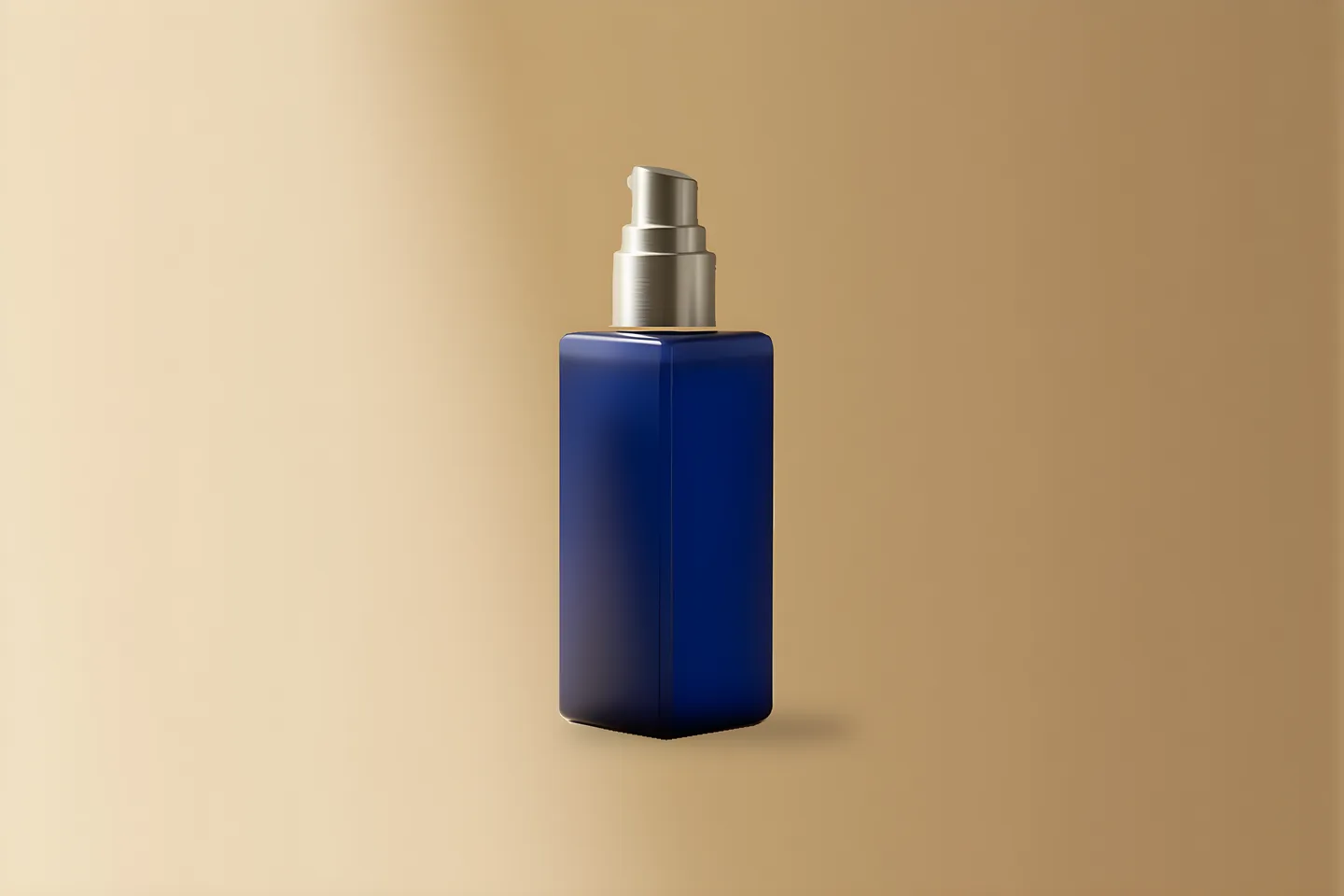
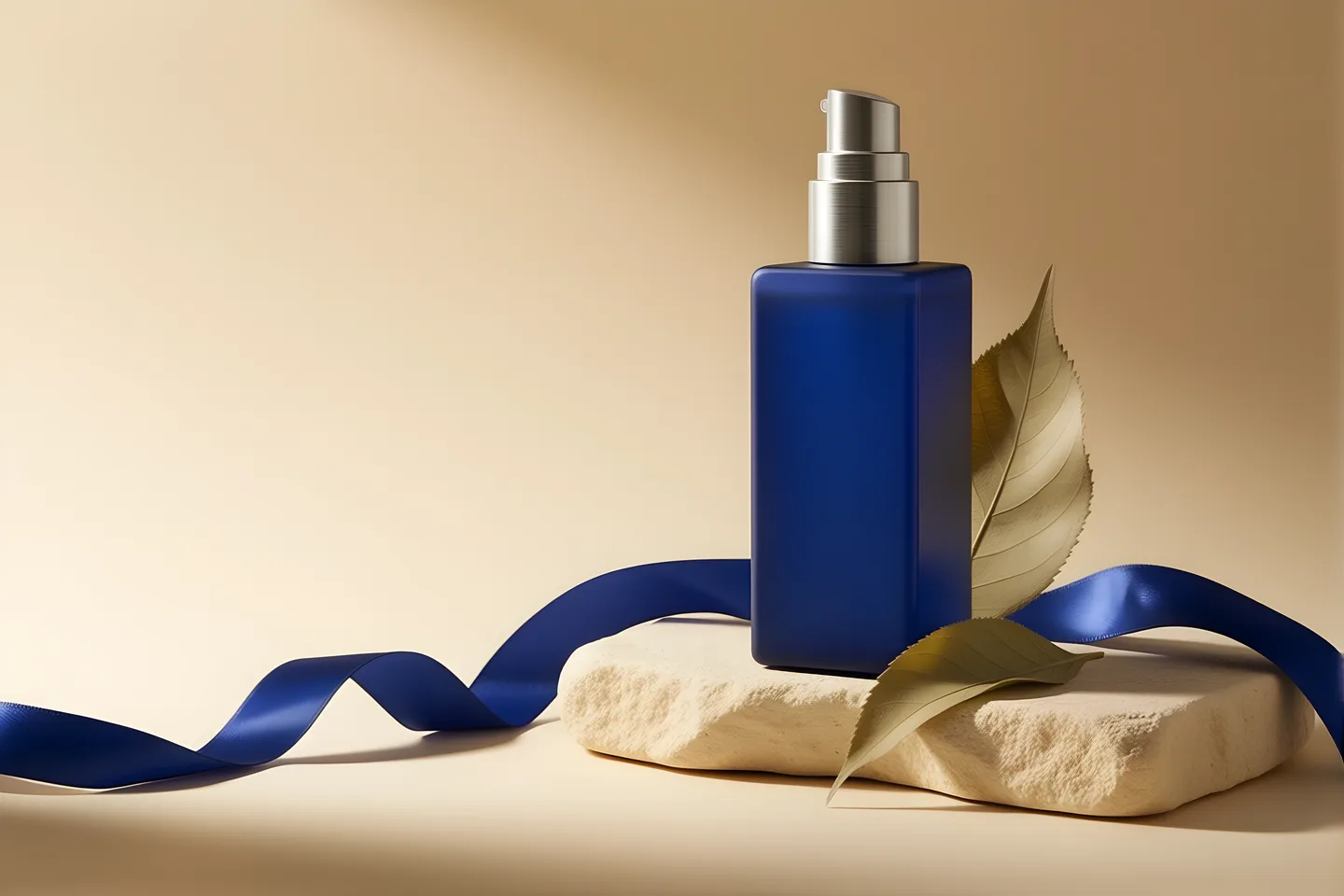
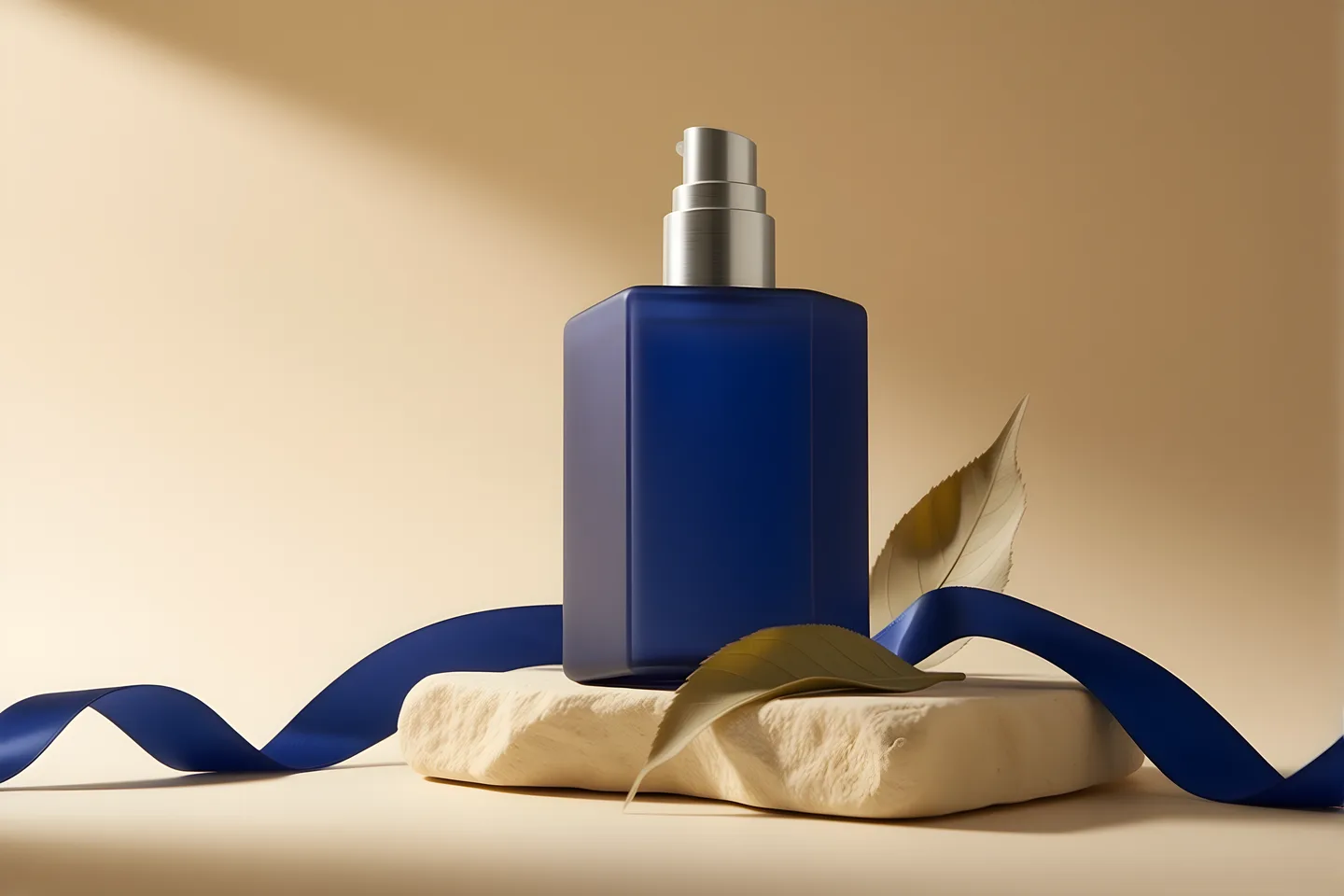
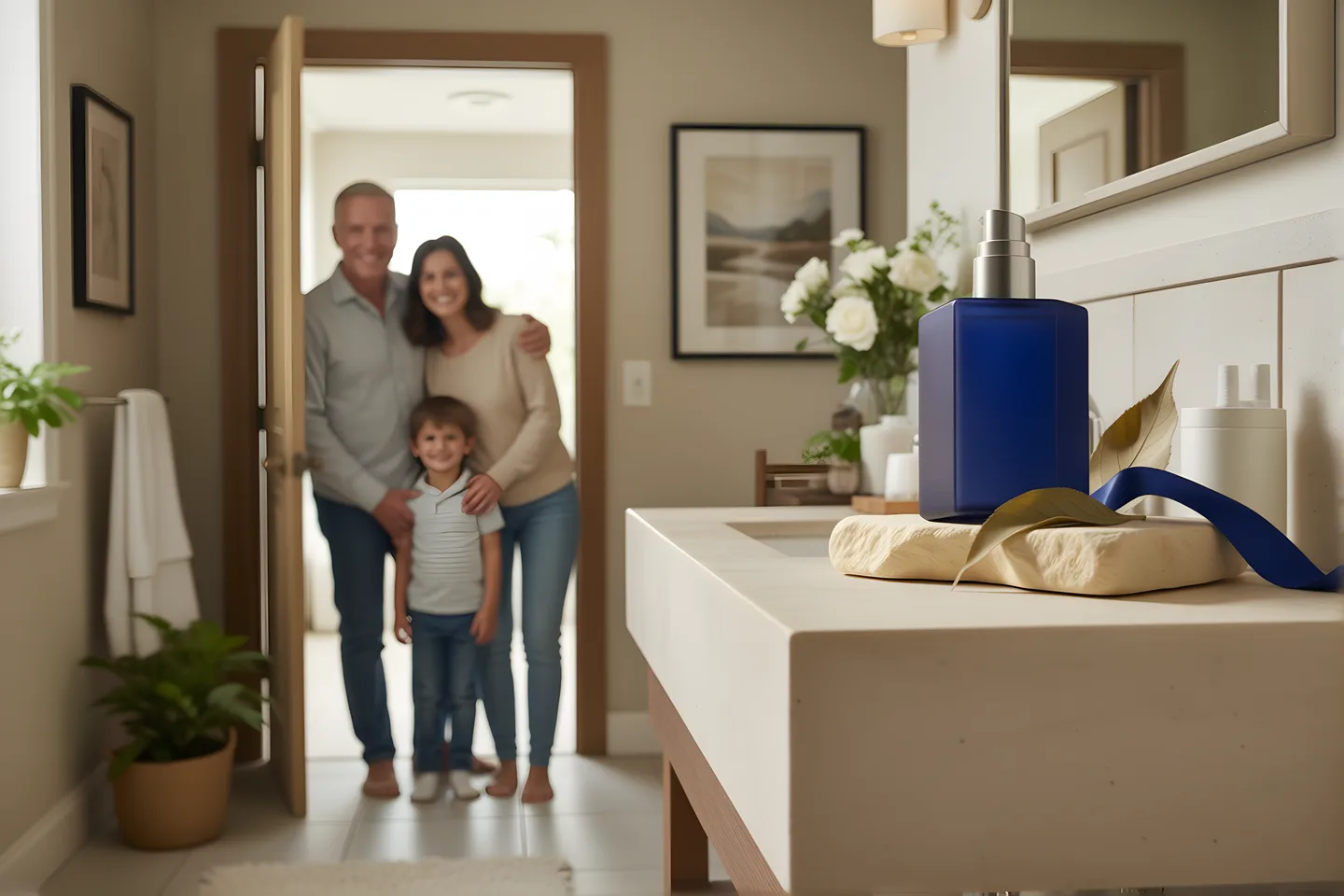
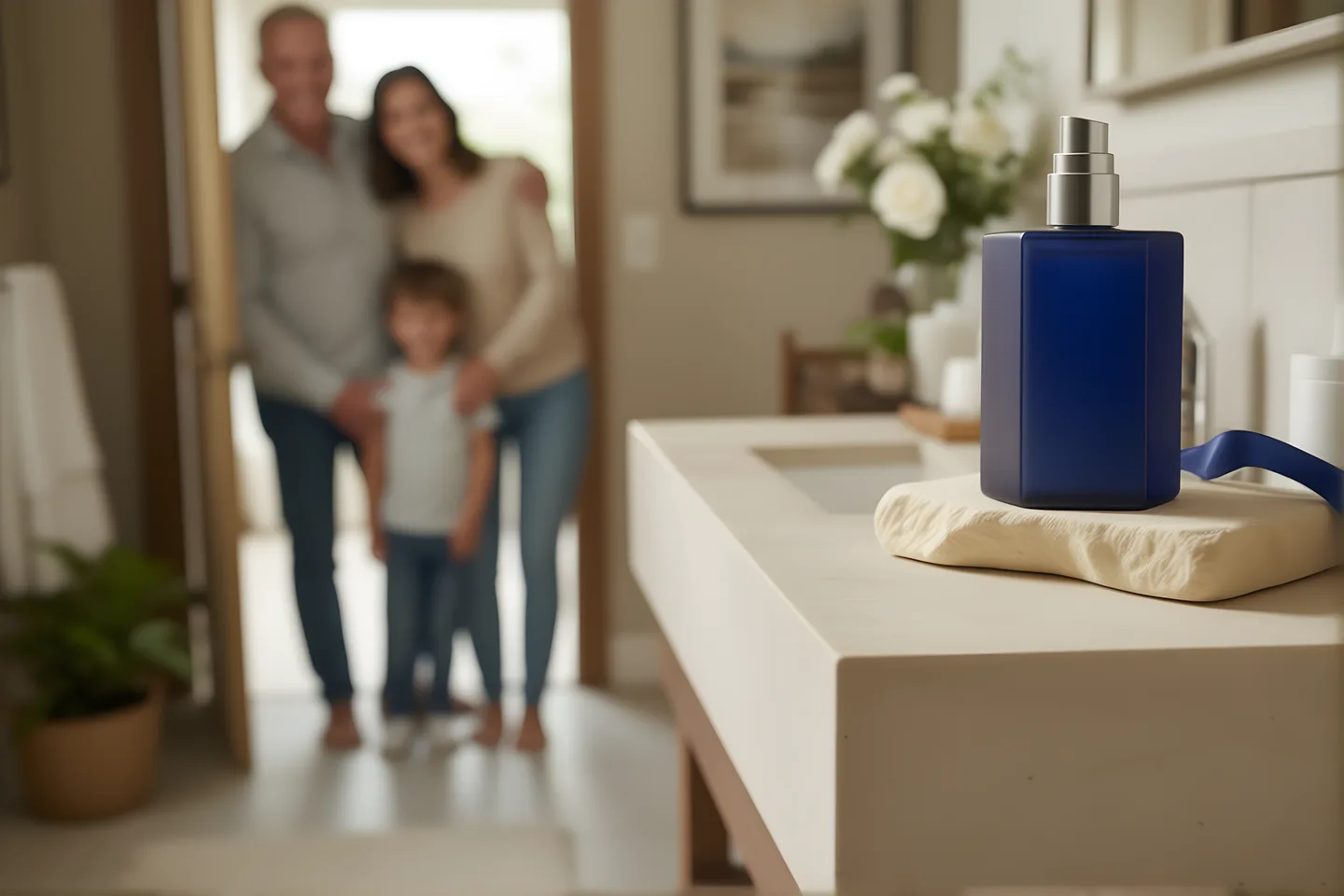
Explore product photography and packaging ideas, from a clean studio scene to a new campaign direction.
- Start from a product brief
- Explore settings and lighting
- Review several visual directions
04 / Create with Bridge
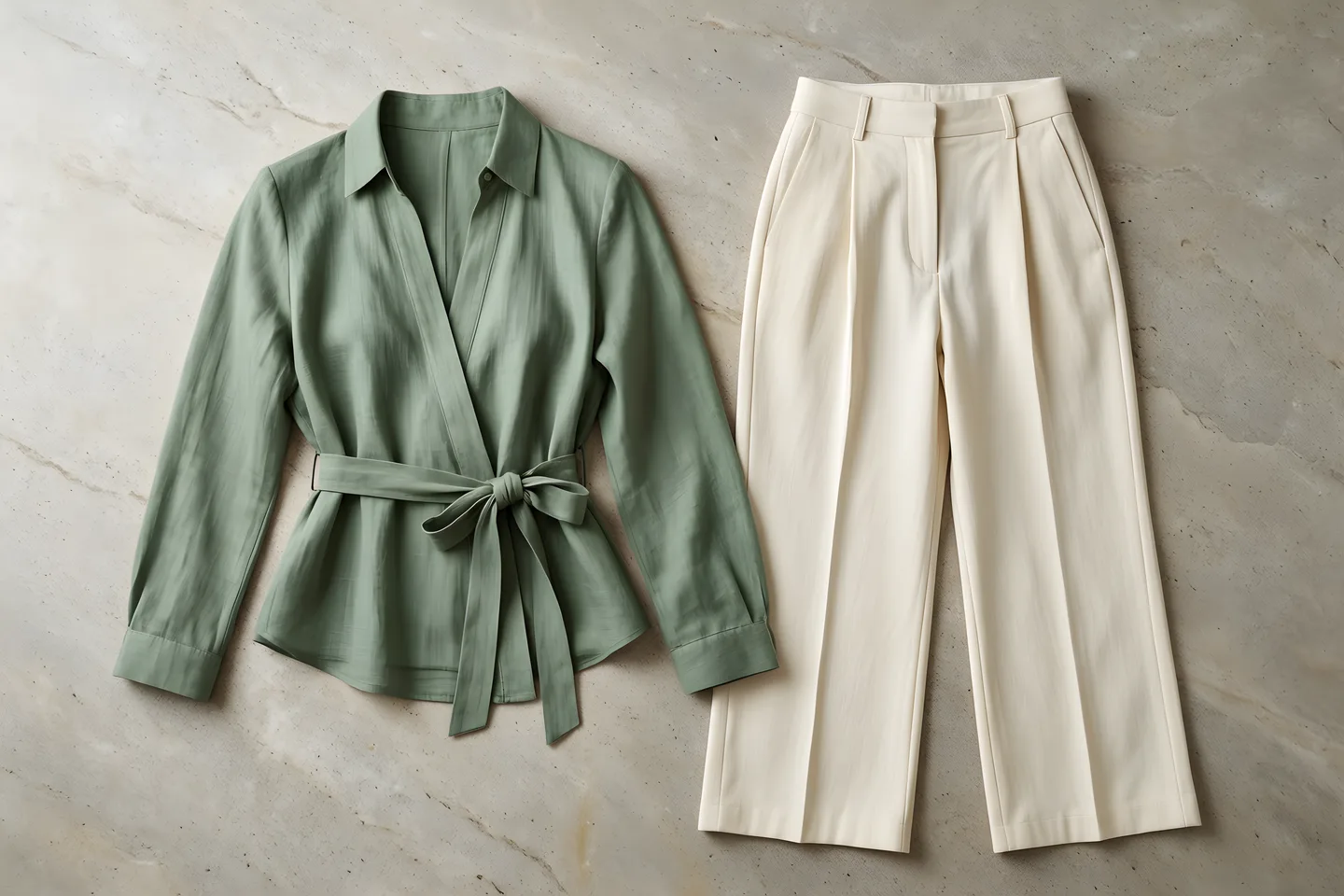
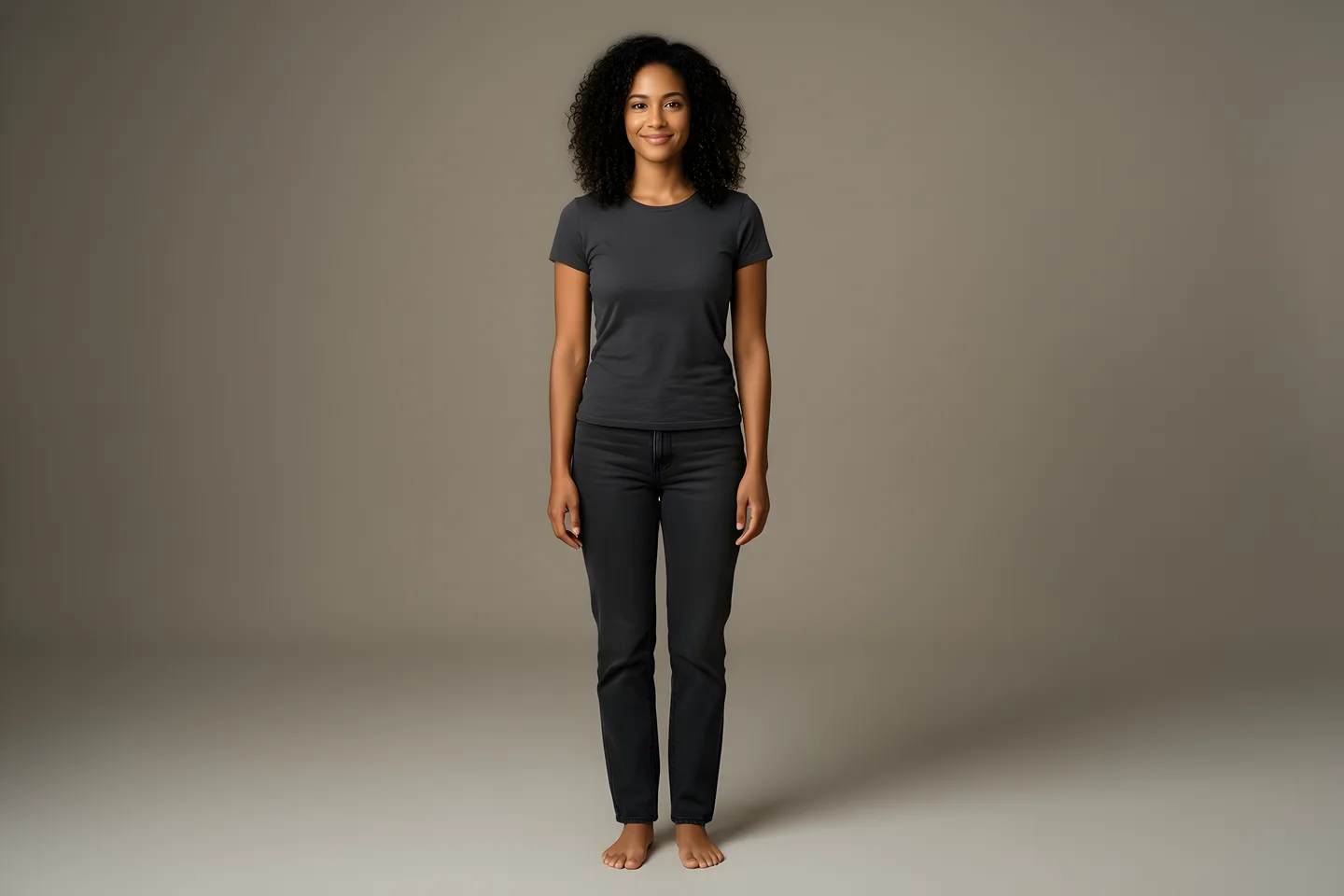
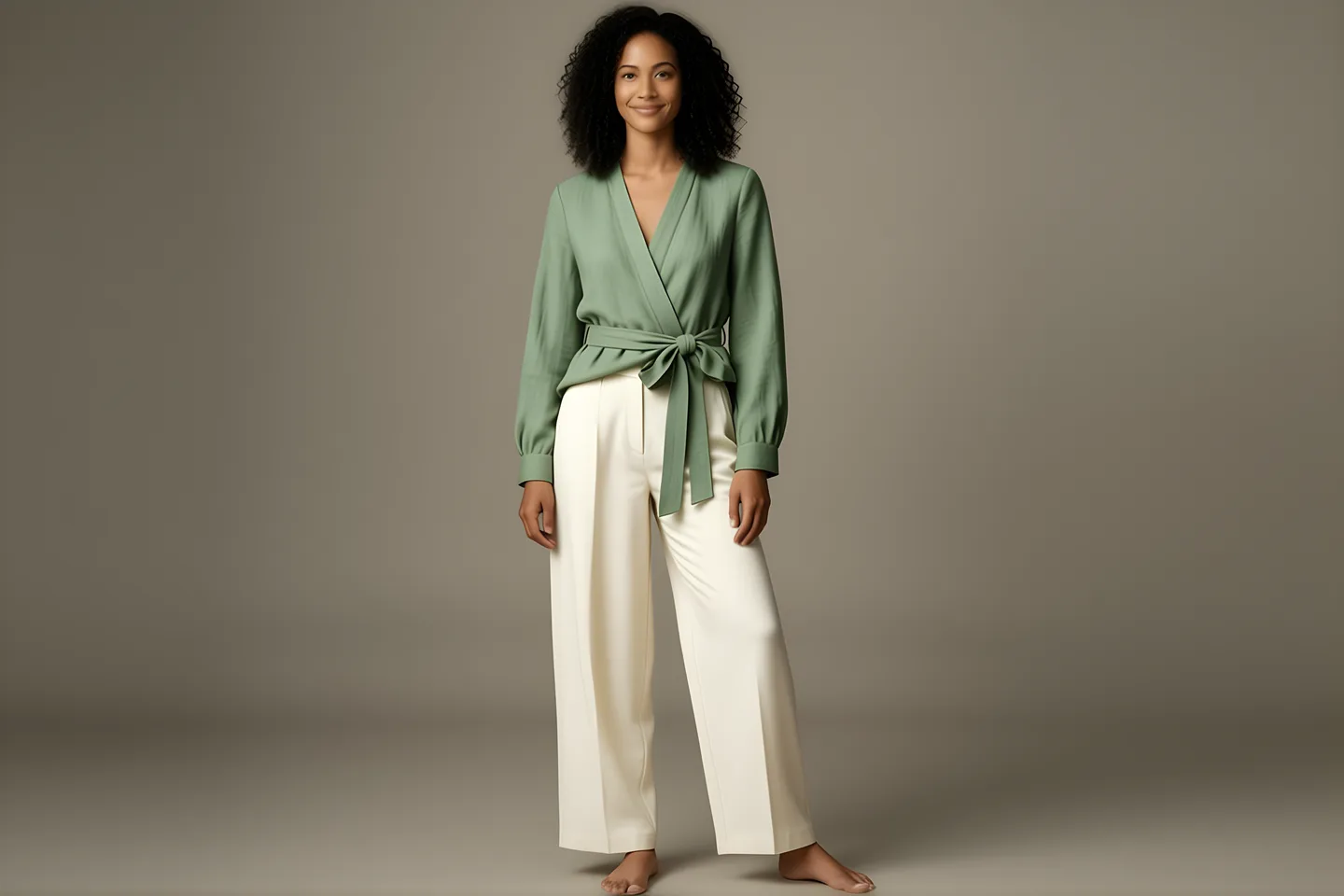
Bring a product and a person together. Explore how an outfit looks on a synthetic model.
- Start with a product reference
- Add a person reference
- Review the combined result
05 / Create with Bridge
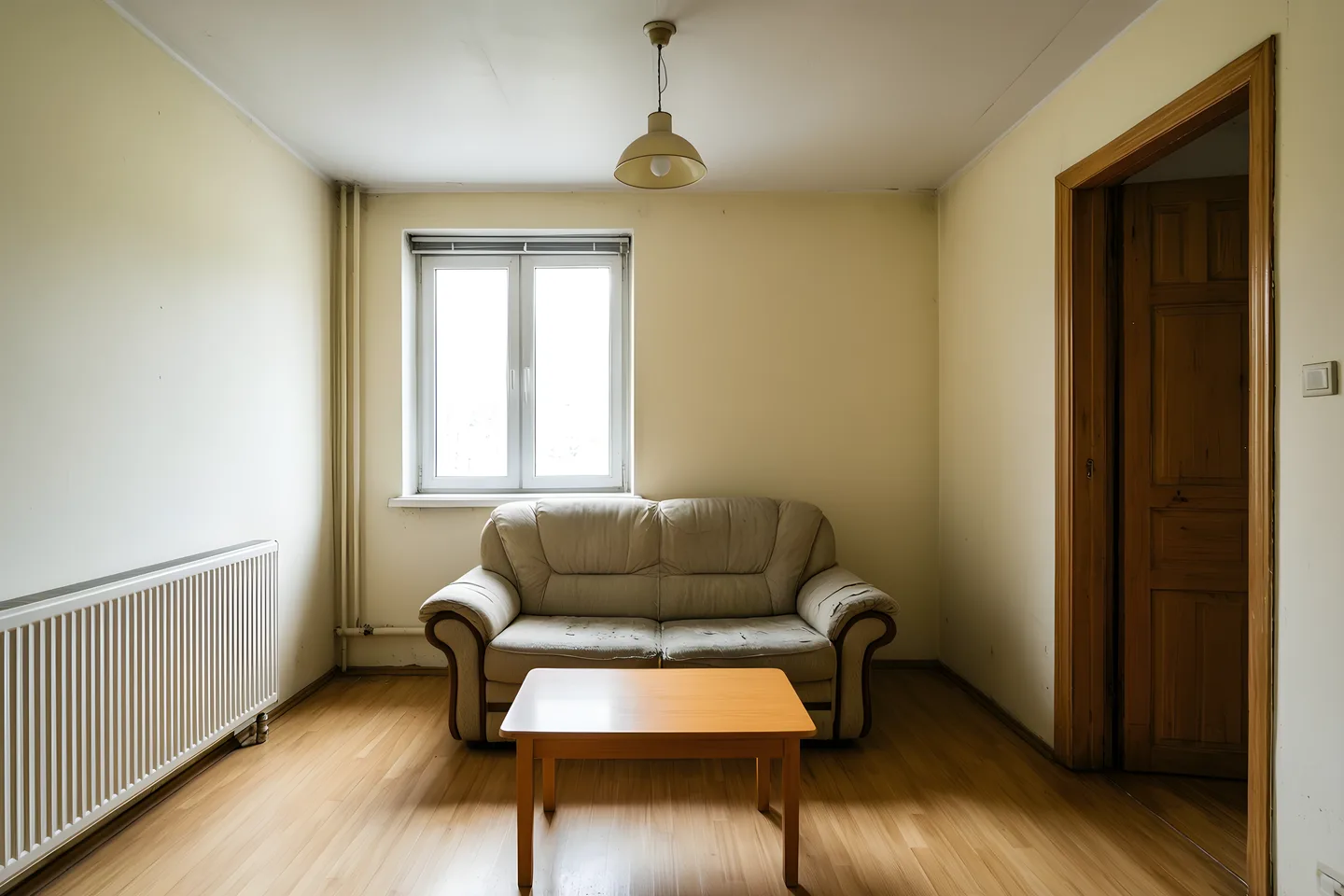
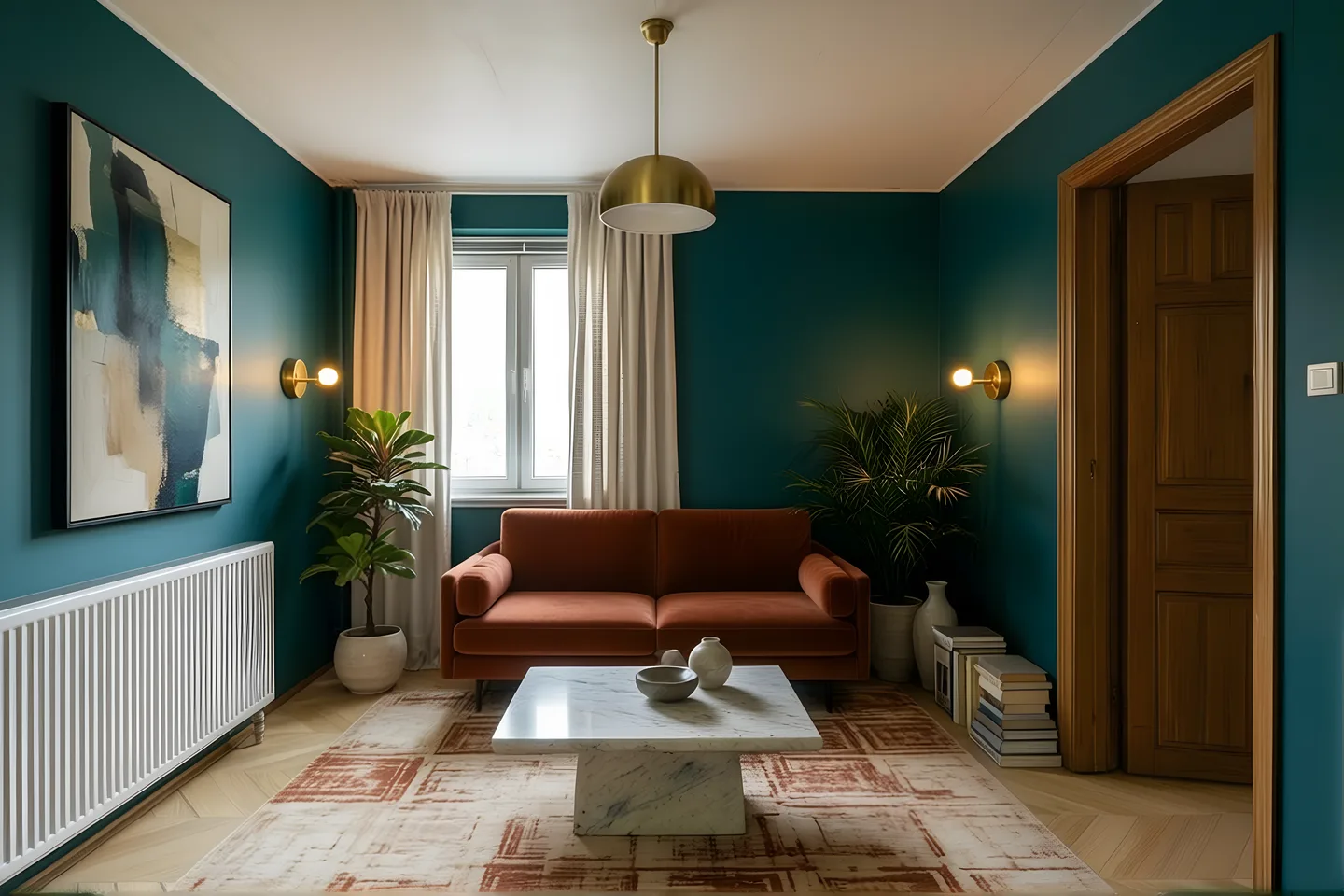
Start with your own photo and explore a new palette, materials or furnishings. Compare the result with your original.
- Use a photo you own
- Describe the changes you want
- Keep the original for comparison
06 / Create with Bridge
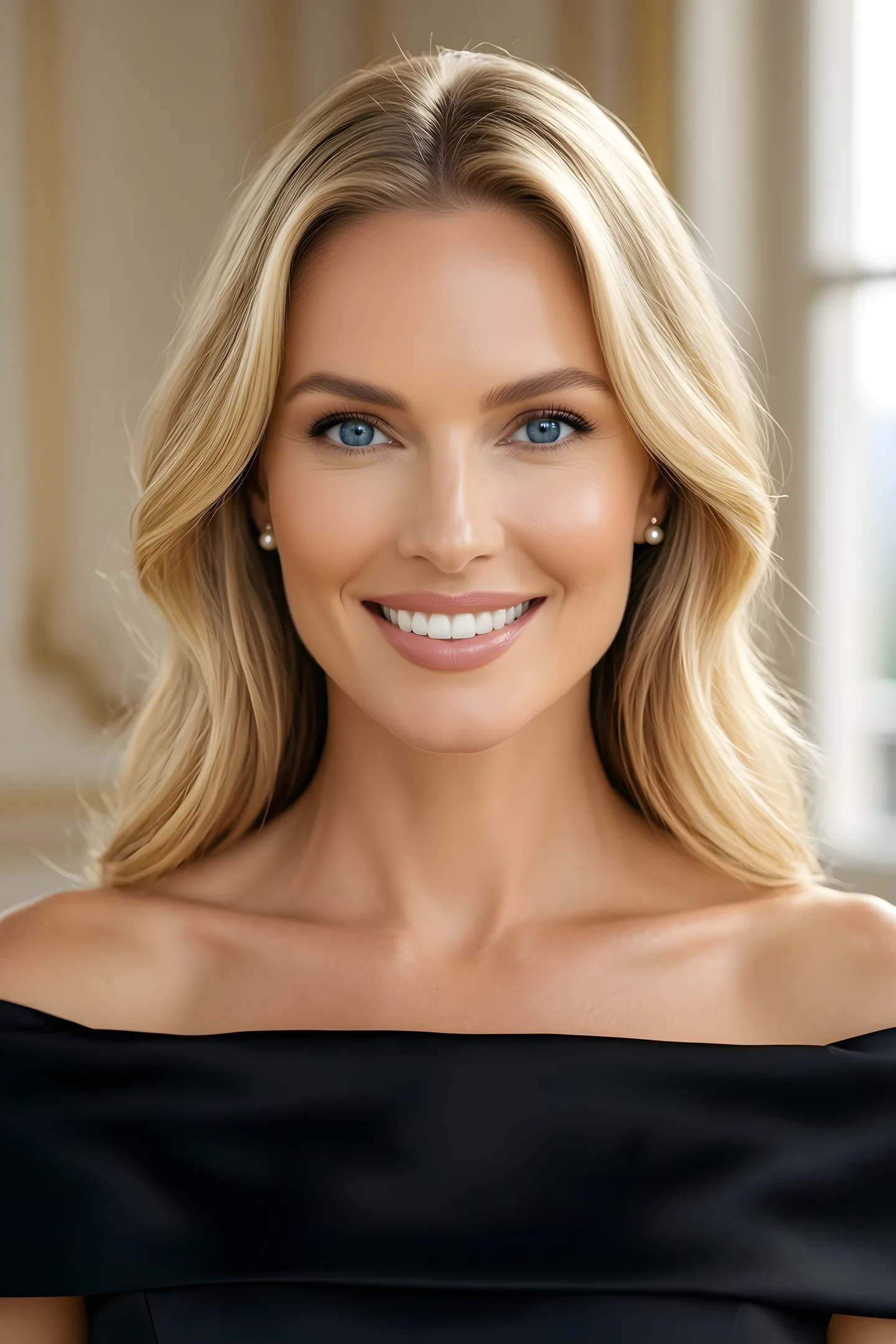
Use a portrait as the starting point for a professional look. Change the setting, lighting or clothing, then inspect the result.
- Start with your photo
- Choose a professional setting
- Compare facial details before sharing


07 / Create with Bridge
Ask for a color change, an object replacement or logo removal. Review the edit and refine it in another pass.
- Describe the part to change
- Keep the source alongside it
- Inspect the finished details





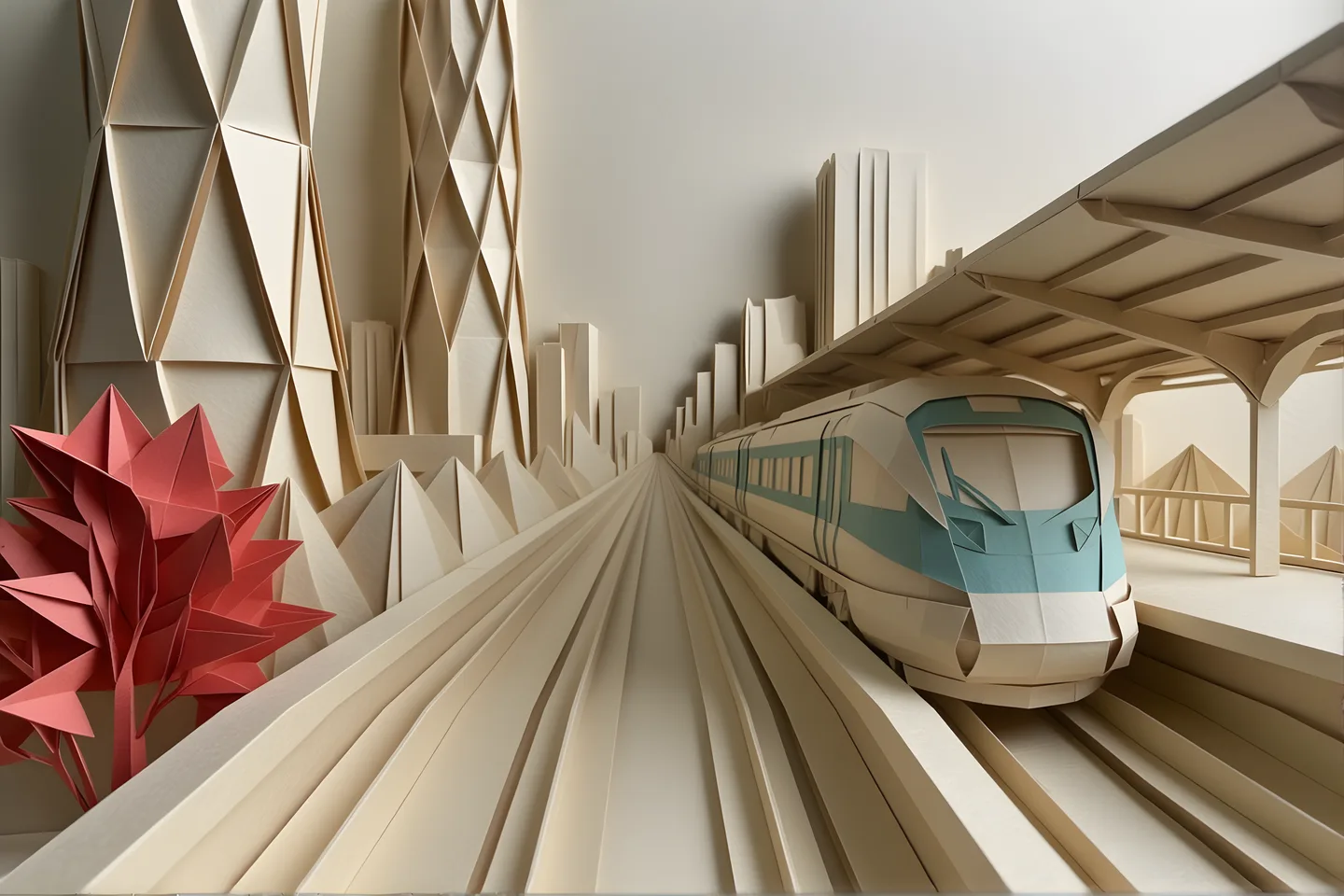
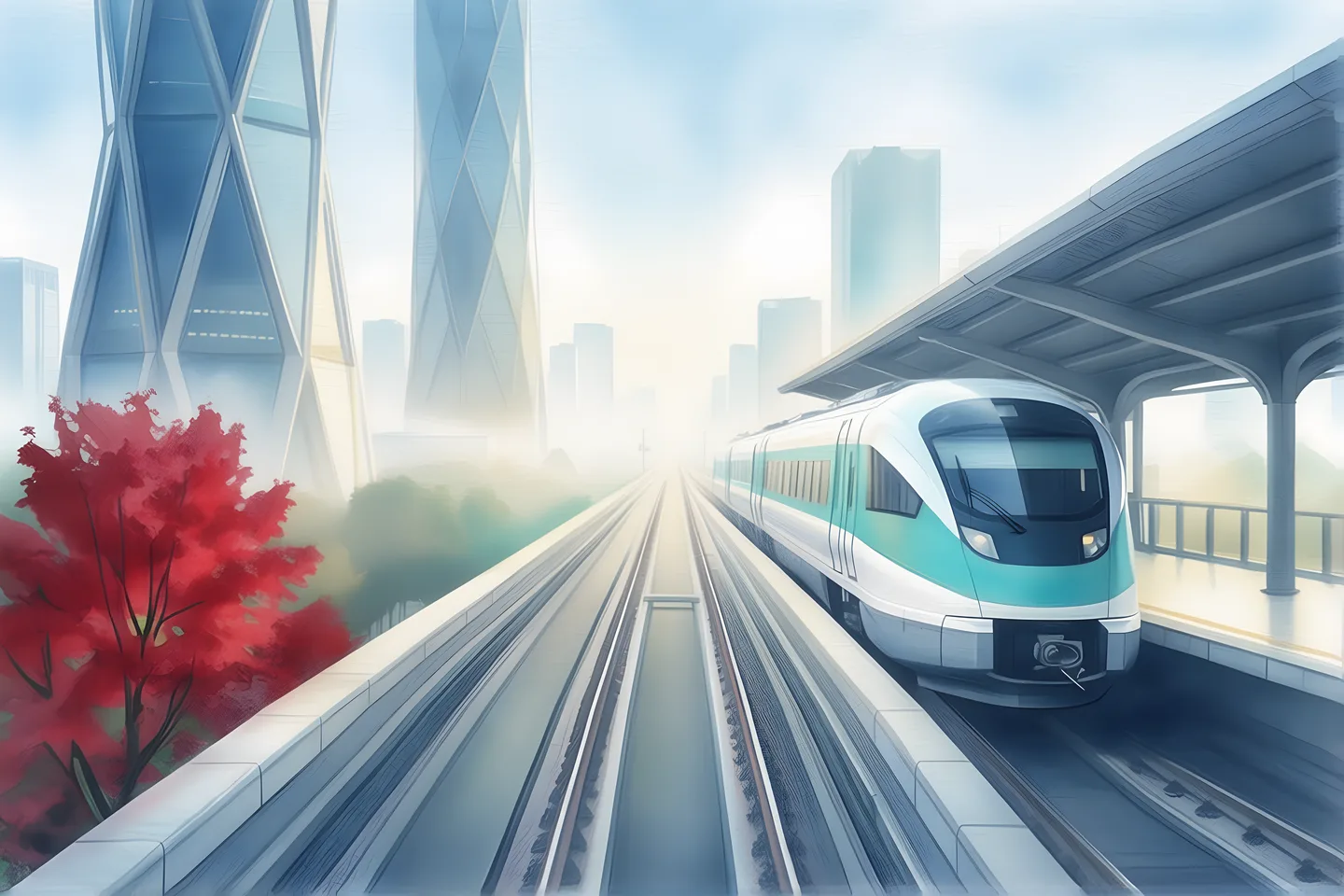
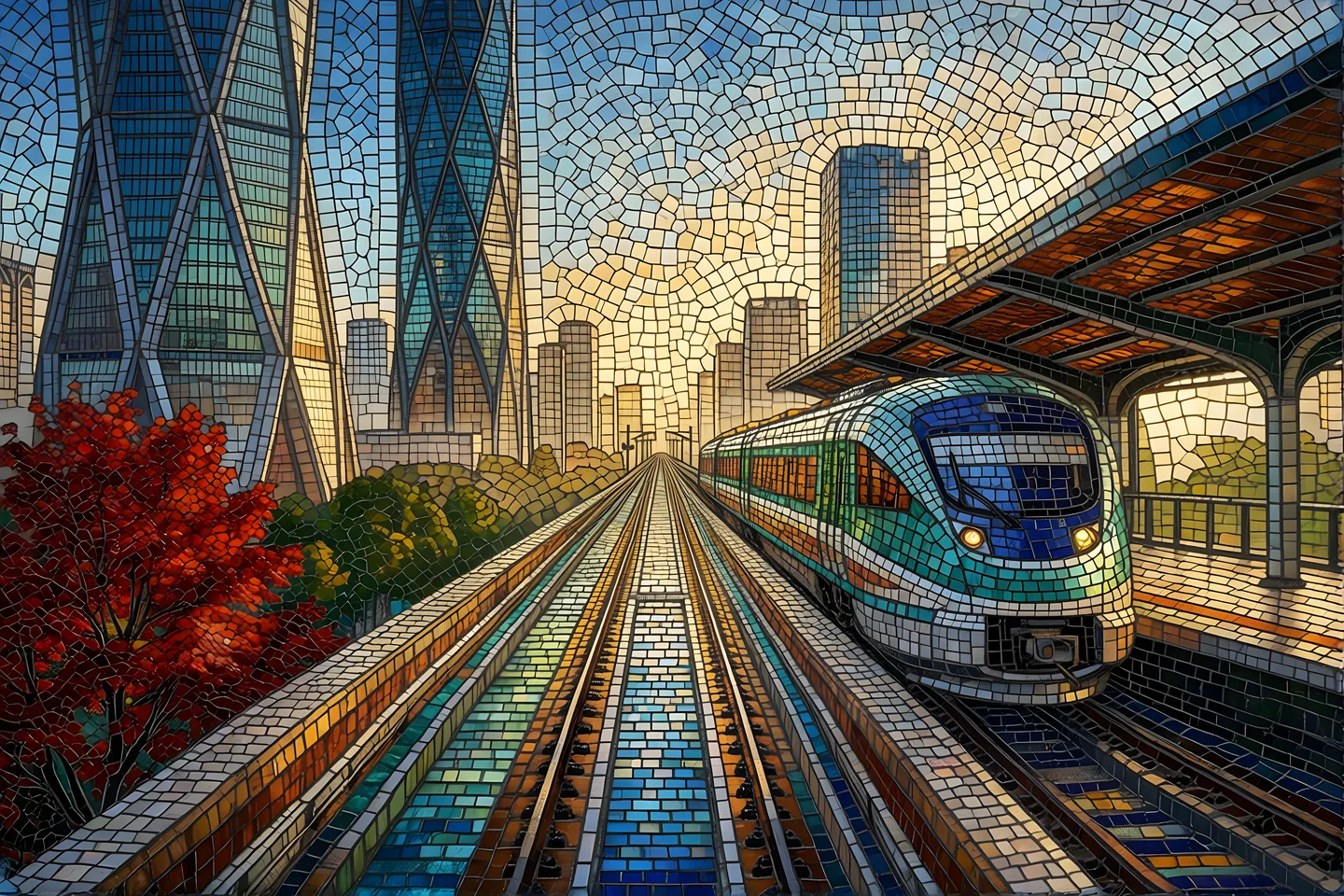
08 / Create with Bridge
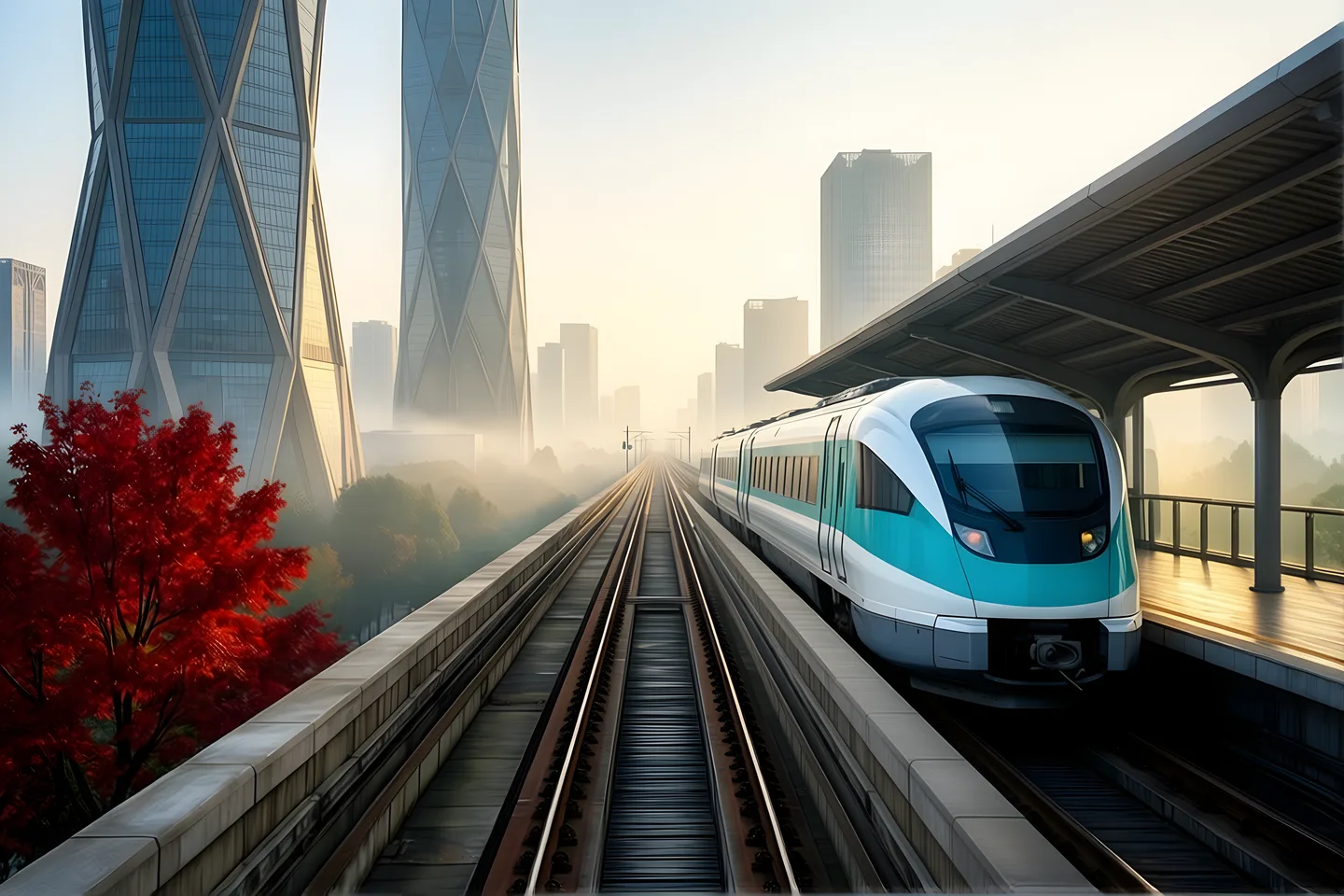
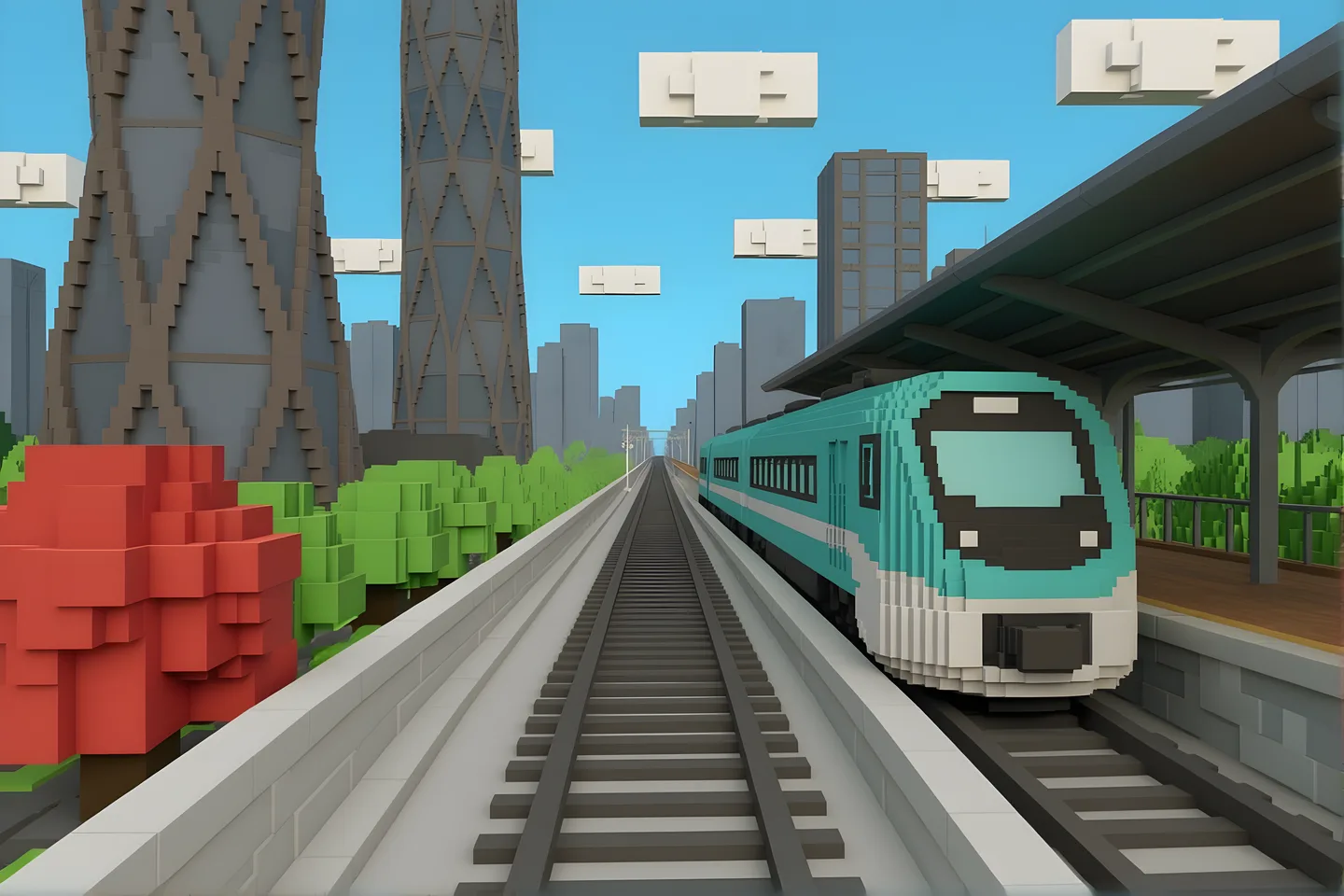
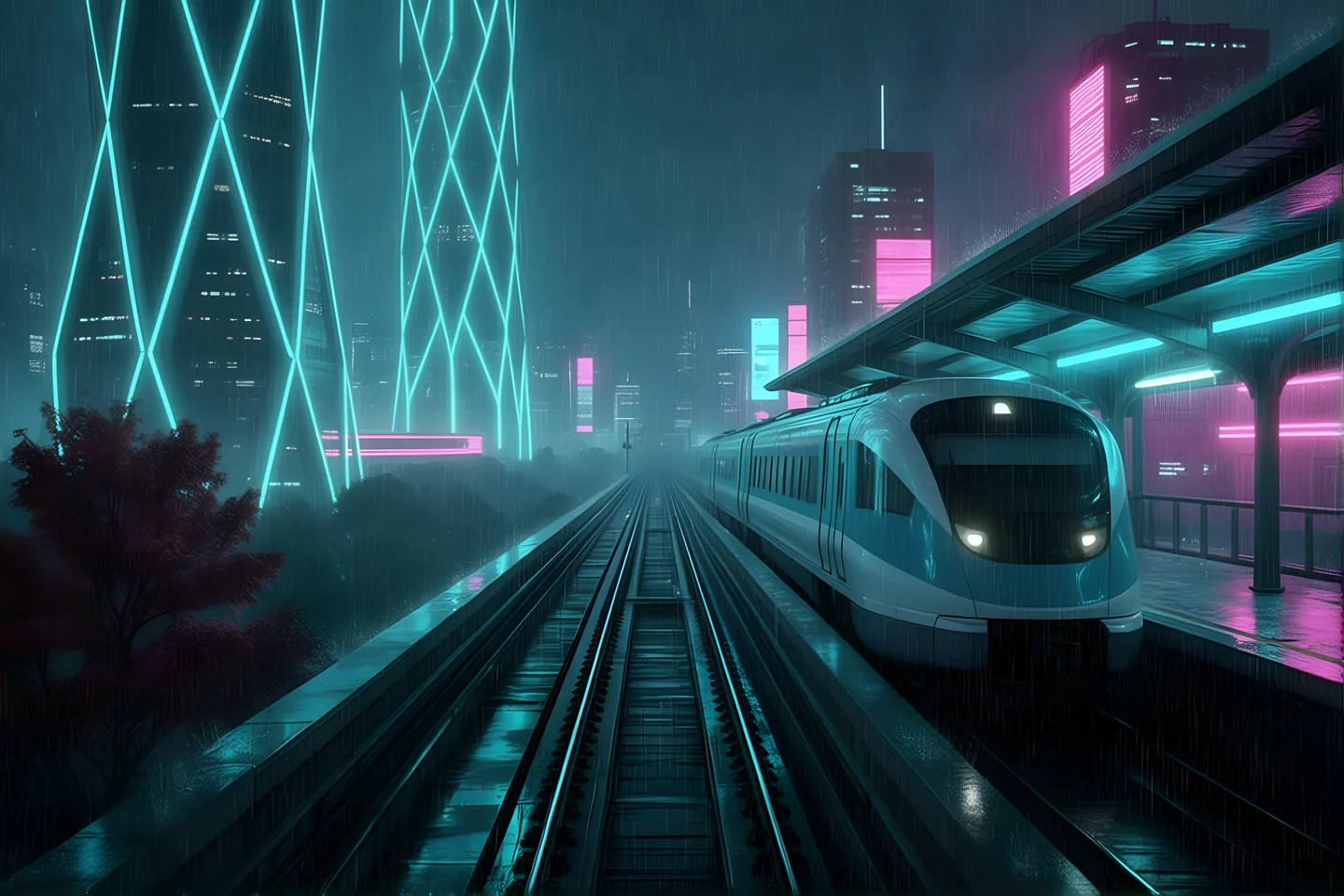
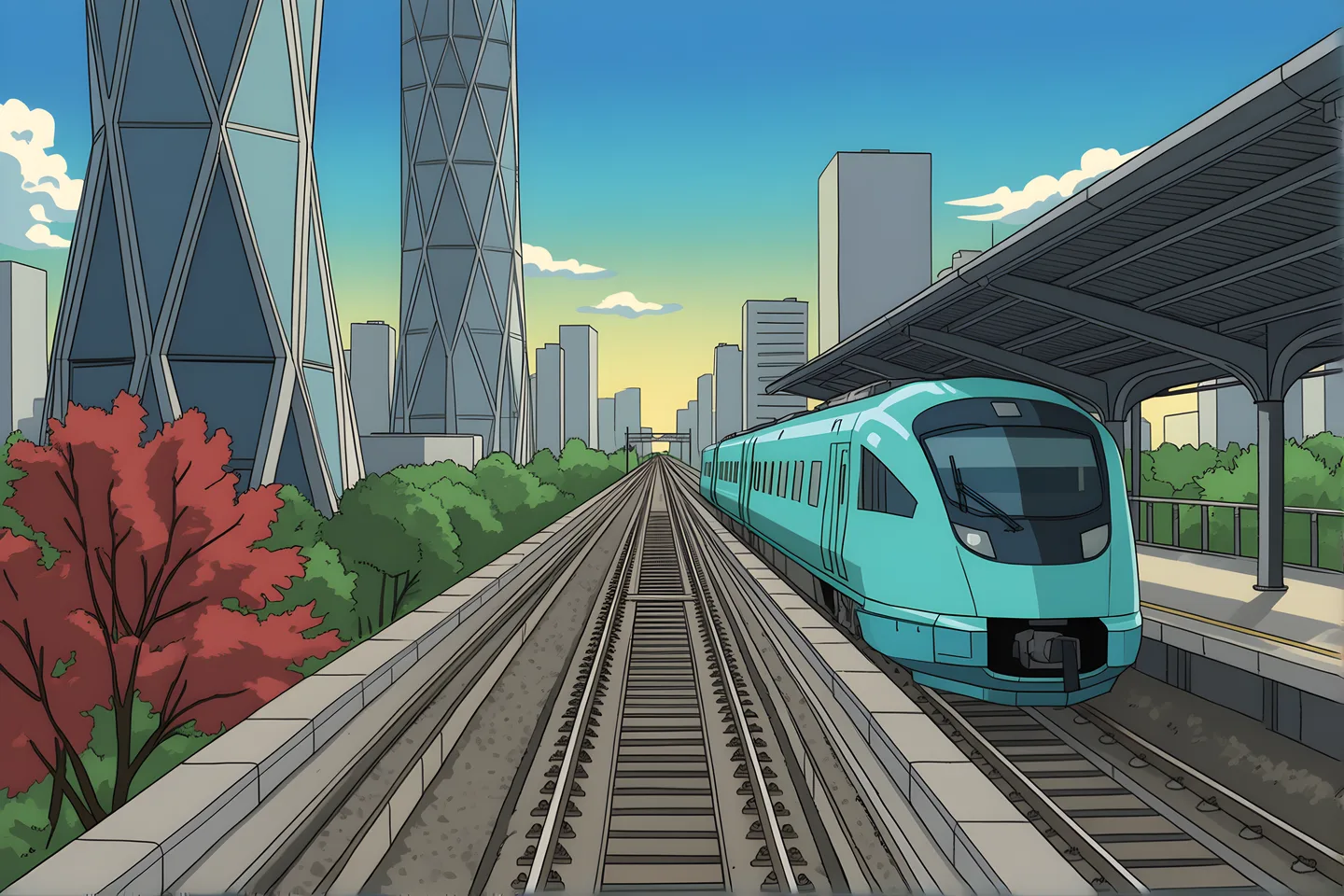
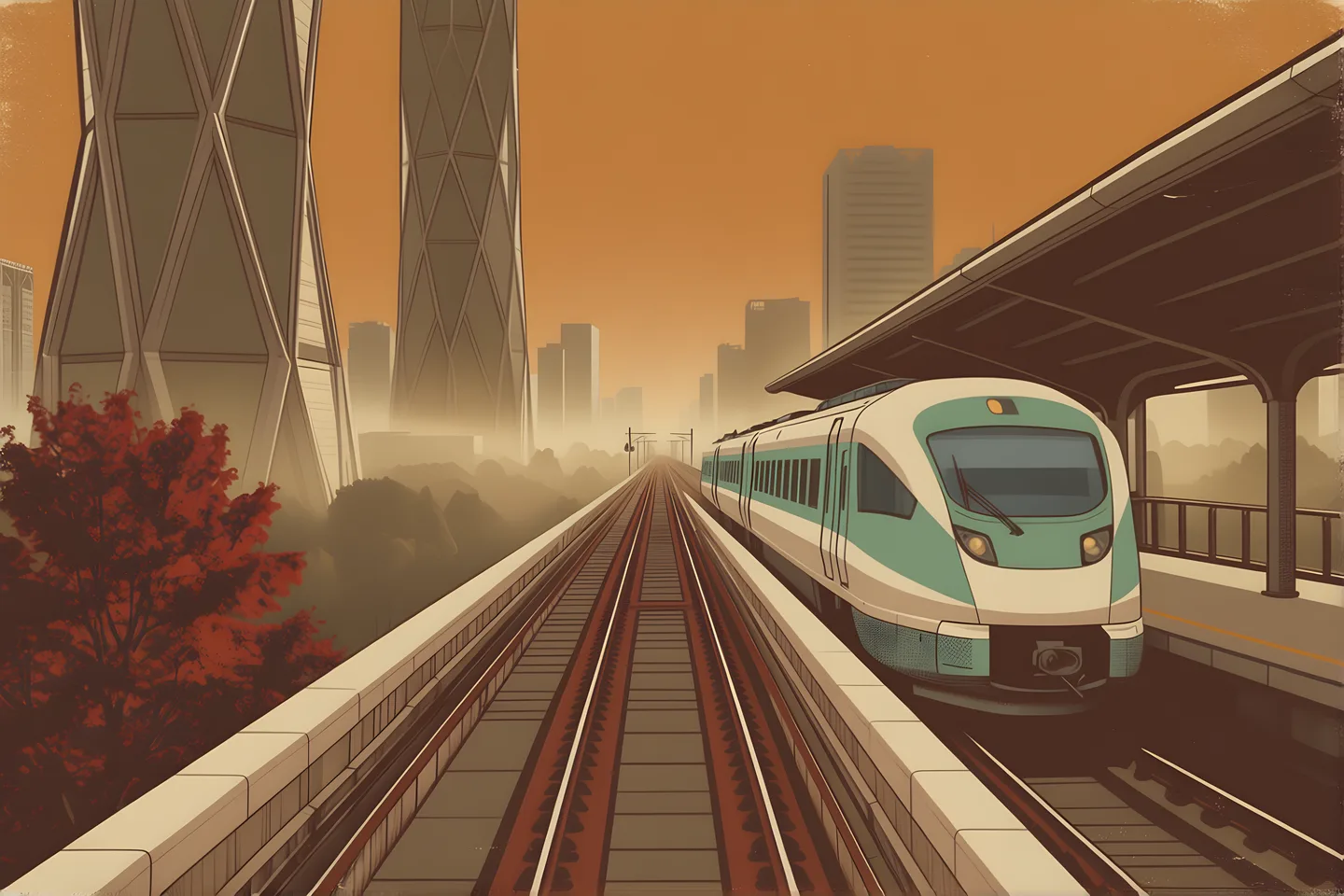
Explore a different visual language. Compare directions as you refine the style, mood and composition.
- Explore different styles
- Compare visual directions
- Keep each result separately
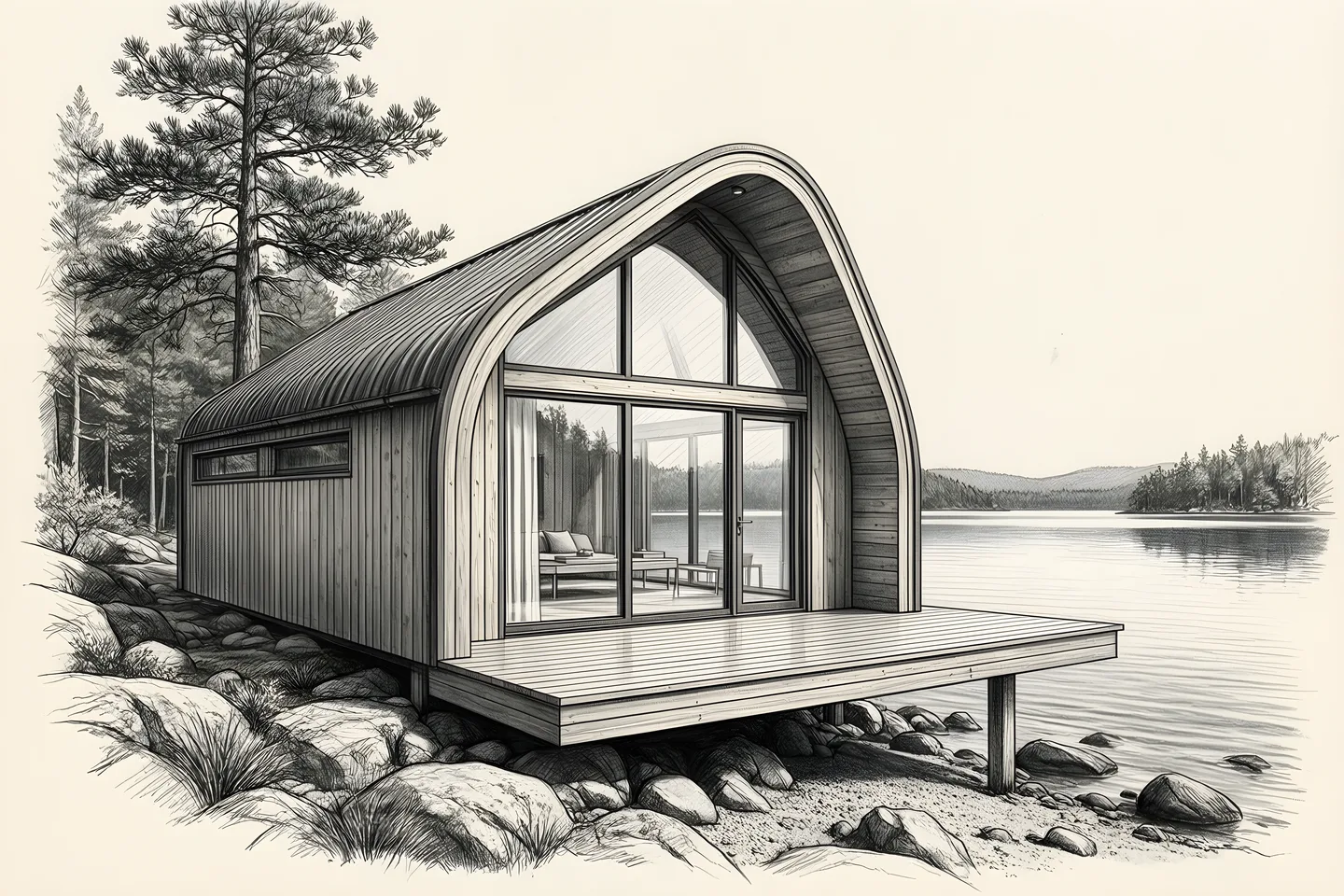
09 / Create with Bridge
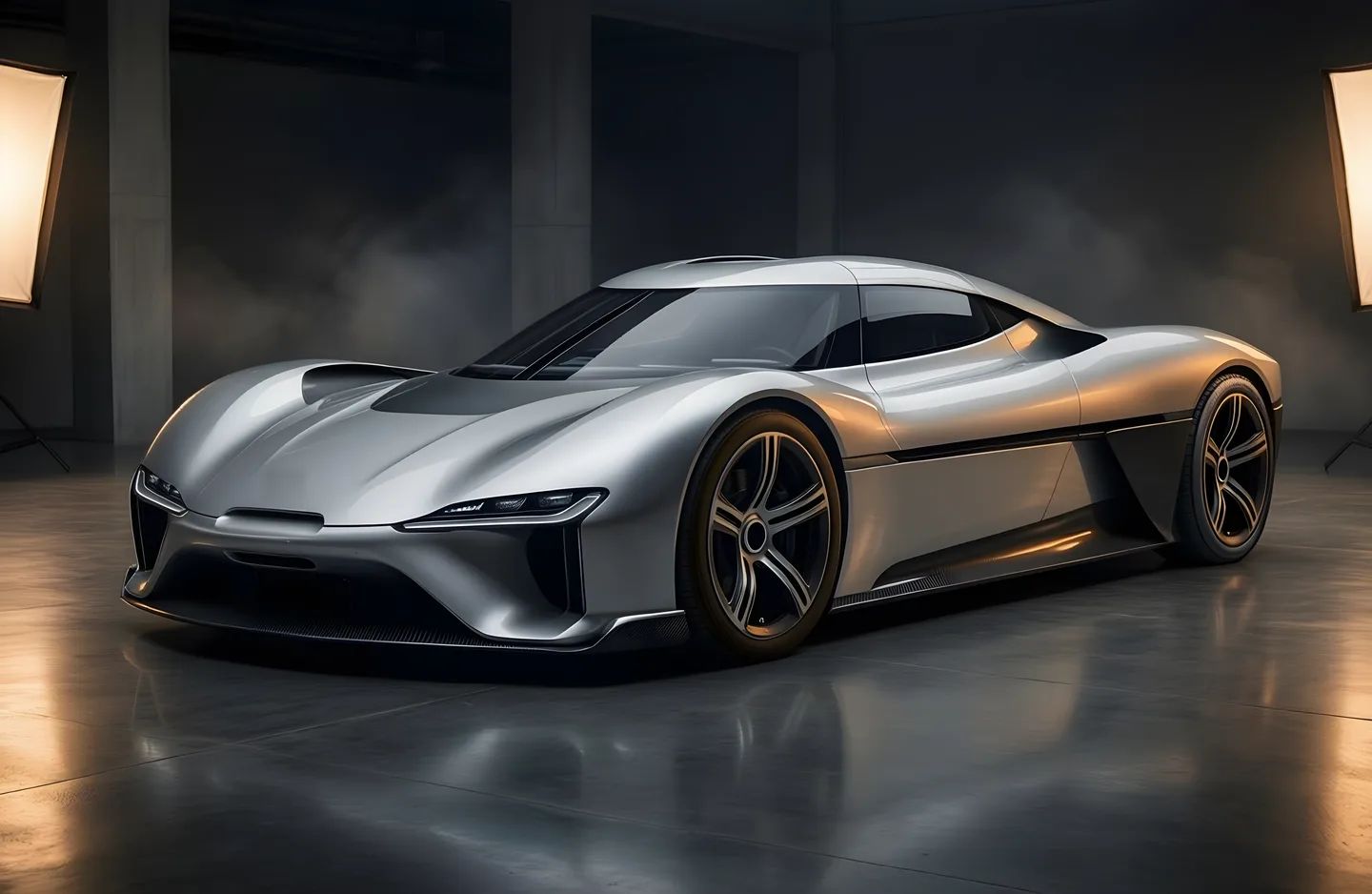
Take a concept from a sketch to a rendered object. Explore a prototype and a new visual direction.
- Start with a sketch
- Explore a rendered concept
- Compare finished variations
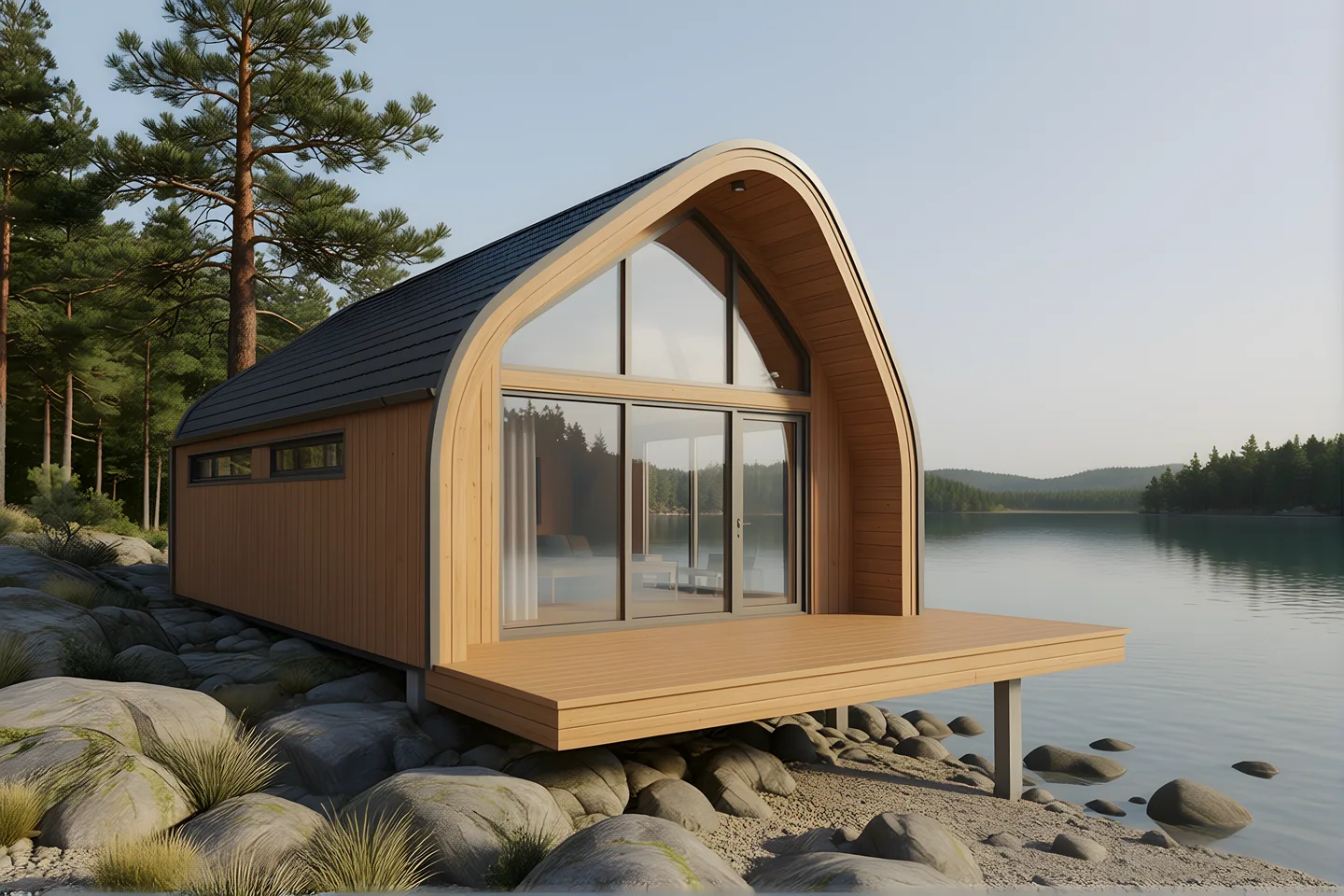
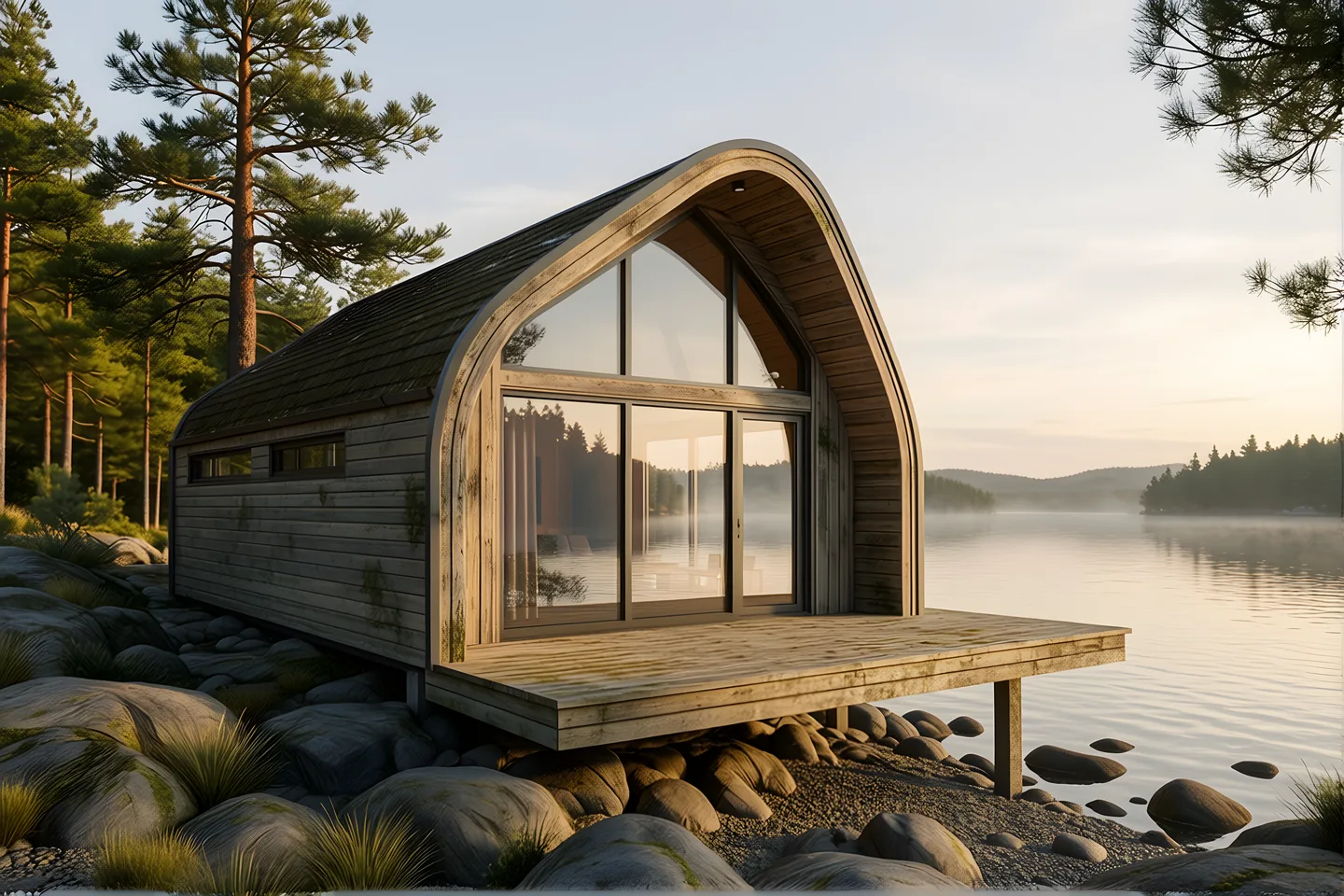
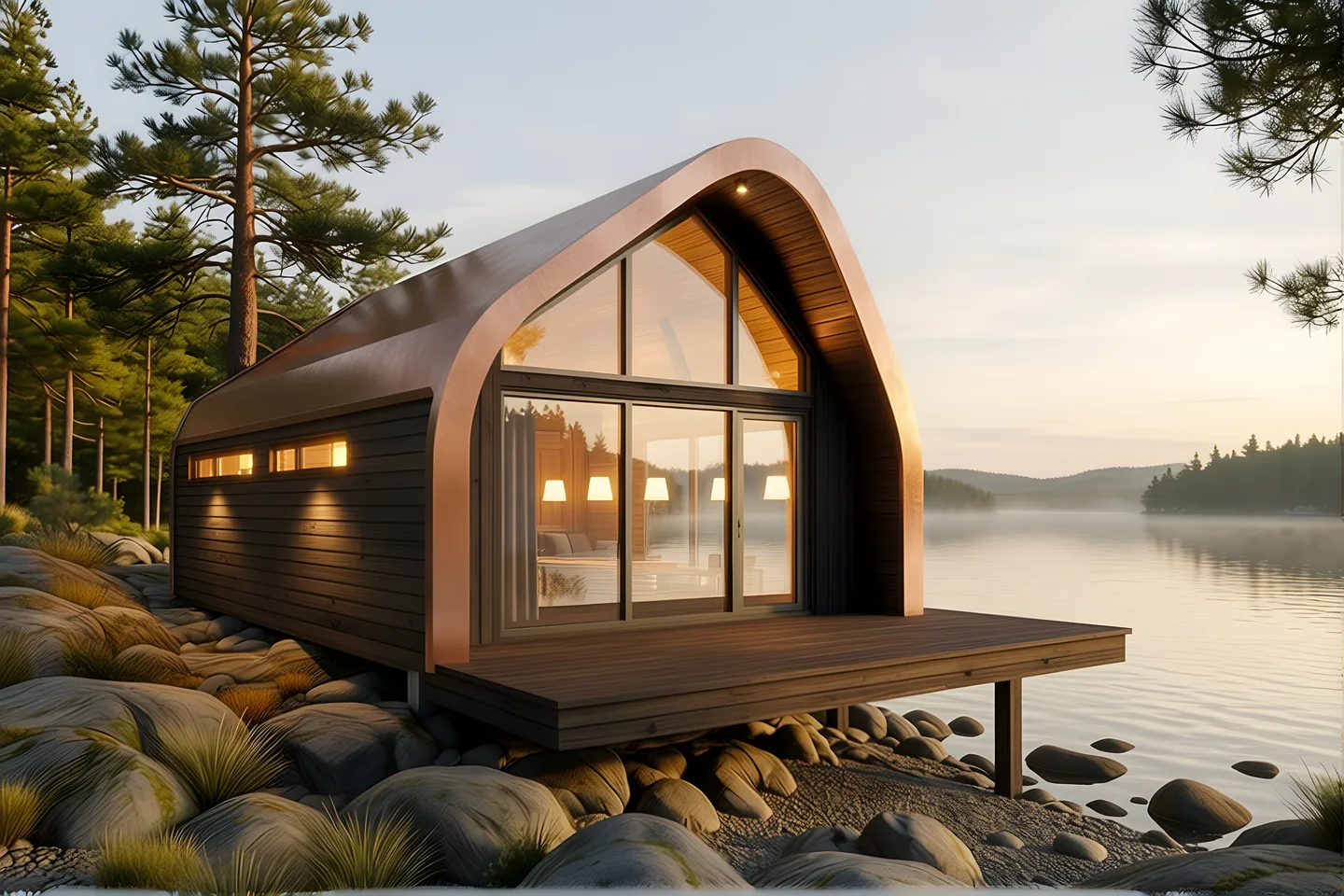
Made locally
A little imagination. A lot of possibility.
Explore images made with our local models. Every person, product and scene is synthetic.
Your hardware. Your workflow.
Pay once. Keep creating.
Pay for the hardware once. No usage fees after. The same hardware runs Bridge’s models, Bridge Bot and image generation.
Alluqi Bridge
No per-image usage fee.
Run images on hardware you own.Hardware, electricity, setup and maintenance still have costs. Model licenses apply.
Hosted image APIs
Selected output-price examples in USD per image. Bar length represents output price only; models, quality settings and capabilities differ. This is not a quality or speed comparison.
$0.02 per image · Official source
$0.06 per image · Official source
$0.053 per image · Official source
Prices as of October 26, 2026. Input images and prompts may add charges. OpenAI’s figure is an estimated output cost; actual token usage can vary. Check the linked pricing before use.
A few details
Common questions.
How image generation works in Bridge.
What can I make?
Create posters, ads, flyers, book covers, thumbnails, product concepts, portraits, room redesigns, headshots, illustrations, logos, icons, static app and website mockups, and infographics. You can also edit an image you supply.
Which image models does Bridge use?
Bridge connects to ComfyUI on your hardware. Tested workflows include Qwen-Image for generation, Qwen-Image-Edit-2511 for photo edits, and Z-Image Turbo for fast generation. Available models depend on your configured endpoint.
What hardware do I need?
You need a computer or server that can run ComfyUI and the image model you choose, plus space for its weights and your outputs. GPU memory and generation time depend on the model, resolution and workflow. Contact sales for hardware planning.
Which resolutions and aspect ratios can I use?
Create square, portrait or landscape images. Output can reach up to 4K with the appropriate workflow and hardware; native generation size and any upscaling depend on the model.
Can I edit my own photos?
Yes. Supply a photo you have the right to use and describe the change. Room and headshot templates use a source photo; edits retain the original so you can compare. Review identity, geometry and fine details before using a result.
Can it write exact text?
Text-based templates combine generated artwork with real, editable type for your headline and supplied copy. Review spelling, placement and legibility before exporting or publishing.
Where are my photos processed?
With a local ComfyUI endpoint, image generation and photo editing run on your hardware. Your source images and outputs stay in your local workflow. If you configure an external endpoint, processing follows that endpoint instead.
Can I use the outputs commercially?
Commercial use depends on the selected model’s license and your rights to the material you provide. Check those terms and review outputs before publishing. A generated logo concept is not trademark clearance or a finished vector identity.
How many candidates do I get?
Bridge can return several candidates for one prompt. The tested template flow requests three; the number of successful results depends on the workflow and quality checks. Some requests return fewer results.
How do I get started?
Request free personal access, sign in with your Alluqi account, and connect your image endpoint in Bridge. Open Images, choose a template or describe what you want to create. Contact sales for an organization deployment.
Make something of your own.
Your ideas. Your hardware. Your next image.